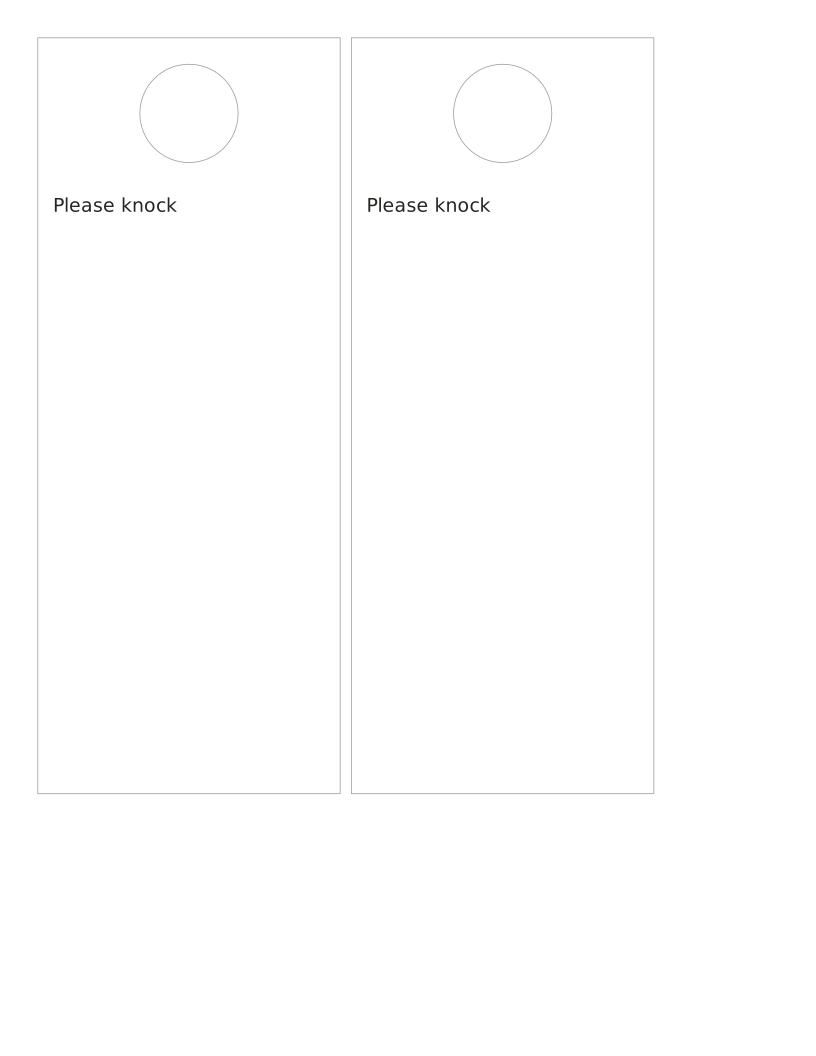
Printable door hanger
Type the words for your card, then print and cut along the outline.
Type the words for your card, then print and cut along the outline.
Adding keeps this sheet’s settings and entries in this tab. Clear the refill selection or close the tab to remove them.
Free · No account, email or watermark. Print at 100% or Actual size.
Adds First, Previous and Next links at the foot of each PDF page. Link support depends on the reader.
A zero margin can be clipped by a printer that cannot print to the edge.
4 PDF pages · us-letter · portrait

Default PDF · Free to print and share copies · Check print size
The width and height describe the finished item. Print at Actual size or 100% to keep those dimensions. These are original layouts for plain paper; a pre-cut label sheet needs its exact margins and gaps.
Type the words for your card, then print and cut along the outline.

Type the words for your card, then print and cut along the outline.
Type the words for your card, then print and cut along the outline.
Type the words for your card, then print and cut along the outline.
Type the words for your card, then print and cut along the outline.
Type the words for your card, then print and cut along the outline.

Type the words for your card, then print and cut along the outline.

Type the words for your card, then print and cut along the outline.
No sheets match that search.
Use the same paper size in the PDF and printer settings. Choose Actual size or 100%. Print a sample before making copies.