September 2026 calendar
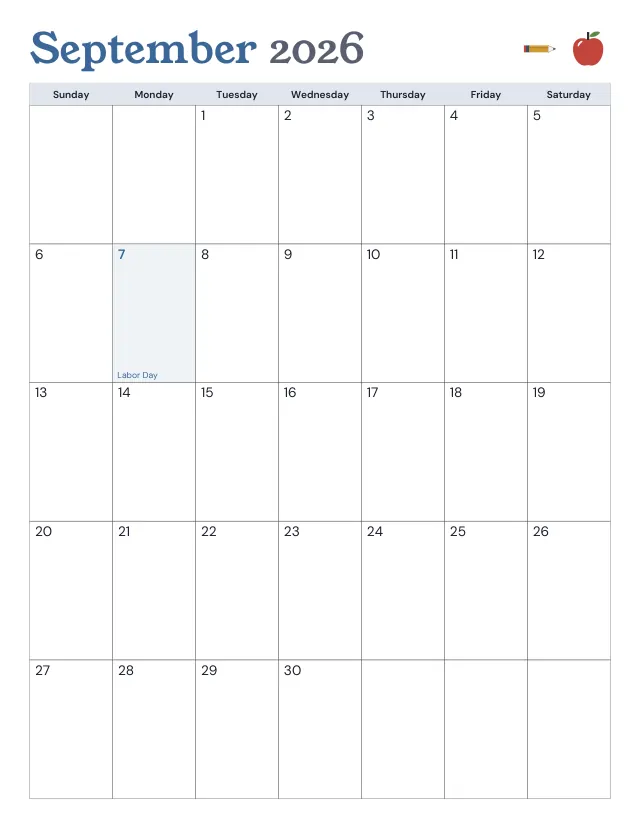
September 2026 starts on a Tuesday and ends on a Wednesday. It has 30 days and 22 weekdays, and one US federal holiday: Labor Day on Monday, September 7.
| Sun | Mon | Tue | Wed | Thu | Fri | Sat |
|---|---|---|---|---|---|---|
| 1 | 2 | 3 | ||||
| 4 | 5 | 6 | 7 | 8 | 9 | 10 |
| 11 | 12Columbus Day | 13 | 14 | 15 | 16 | 17 |
| 18 | 19 | 20 | 21 | 22 | 23 | 24 |
| 25 | 26 | 27 | 28 | 29 | 30 | 31 |
Ready-made PDF (Letter) · Free to print and share copies · Check your print size
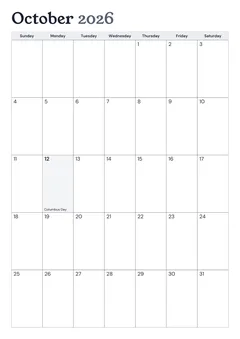
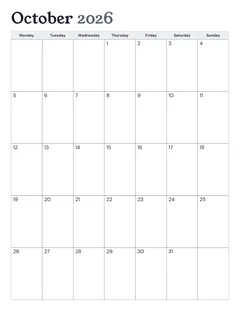
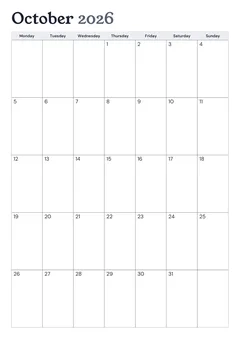
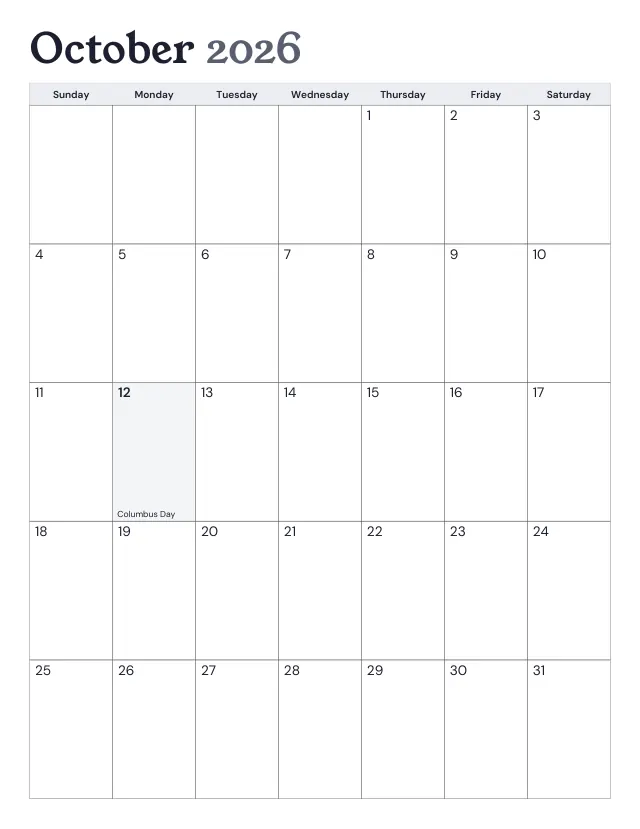
October 2026 starts on a Thursday and ends on a Saturday. It has 31 days and 22 weekdays, and one US federal holiday: Columbus Day on Monday, October 12.
Letter (8.5 × 11 in) is the paper in US and Canadian printers; A4 (210 × 297 mm) is the paper almost everywhere else. The Sunday-start files shade each US federal holiday and write its name in its day. The Monday-start files carry no holiday marks, because holidays differ by country. Use the controls above for other settings.
The refill builder puts dated month, week and day pages into one PDF at your planner's page size, with a margin for the rings or discs.
Mark US federal holidays or leave them off; the week can start on any day either way. State, school and work holidays aren’t included.
September 2026 starts on a Tuesday and ends on a Wednesday. It has 30 days and 22 weekdays, and one US federal holiday: Labor Day on Monday, September 7.
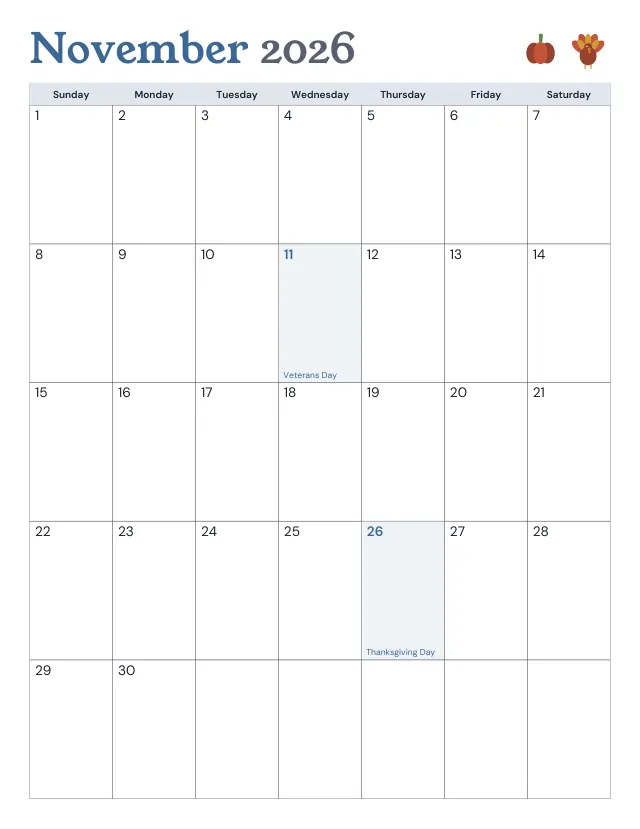
November 2026 starts on a Sunday and ends on a Monday. It has 30 days and 21 weekdays, and two US federal holidays: Veterans Day on Wednesday, November 11; and Thanksgiving Day on Thursday, November 26.
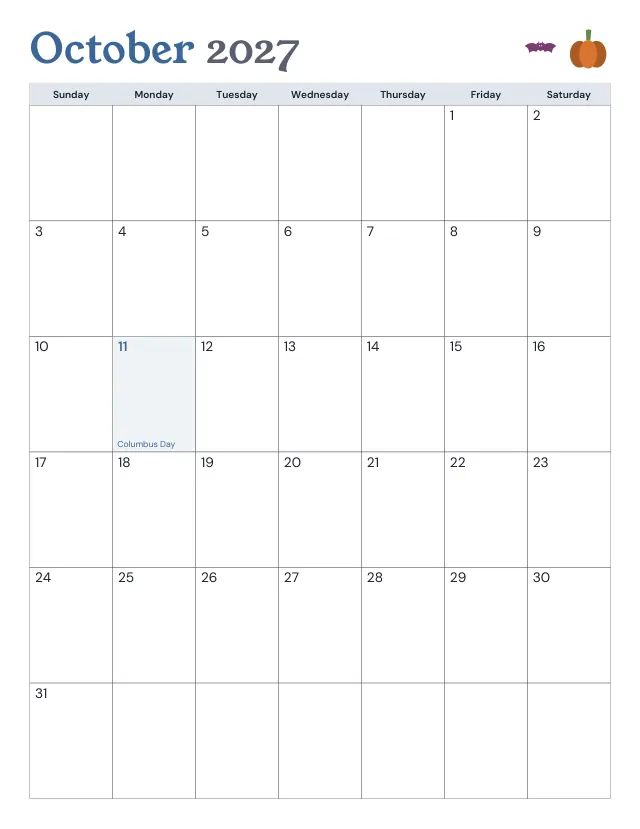
October 2027 starts on a Friday and ends on a Sunday. It has 31 days and 21 weekdays, and one US federal holiday: Columbus Day on Monday, October 11.
No sheets match that. Try a shorter word.
Use the same paper size in the PDF and printer settings. Choose Actual size or 100%. Print a sample before making copies.