Choose the layout for the job
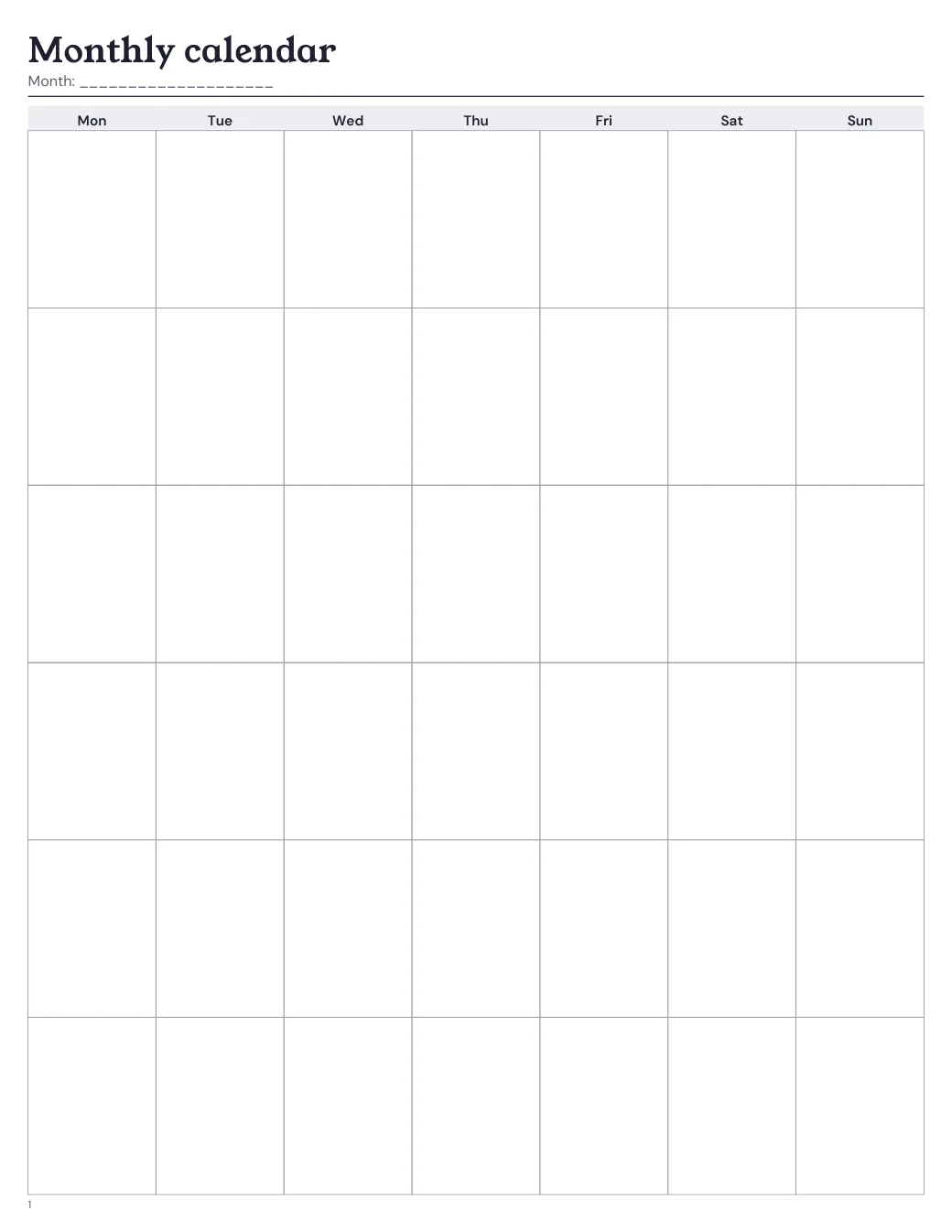
Dated mode creates one month page for every month reached by the chosen date range and places each date on its weekday. Undated mode creates one reusable blank month grid. Pick Monday or Sunday as the first column before generating.
- Choose a date range that reaches every month you need.
- Check the preview for six-row months and long holiday labels at your chosen size.
- Place the monthly layout group in the order you want relative to the other layout groups.
Keep the refill consistent
Open these choices in the builder, select the finished-size preset and arrange this page with the rest of your layouts. The content margin moves the writing area away from the binding edge. It is space, not a hole position, and it cannot promise that a particular punch fits. Trim first, then line the page up with your punch’s own guide.
Preview, test, then print
Small finished sizes make each day cell narrow. Optional U.S. federal holiday labels use current recurring rules for 2021–2100, not a complete historical calendar. Use the month for anchors and keep details on weekly or daily pages.
Print one test page before the whole set. In the print dialog, choose the paper the PDF is made for, turn off Fit to page and any other scaling, and measure the test mark. The PDF is the right size; the printer settings decide whether it stays that way.