Choose what your week needs
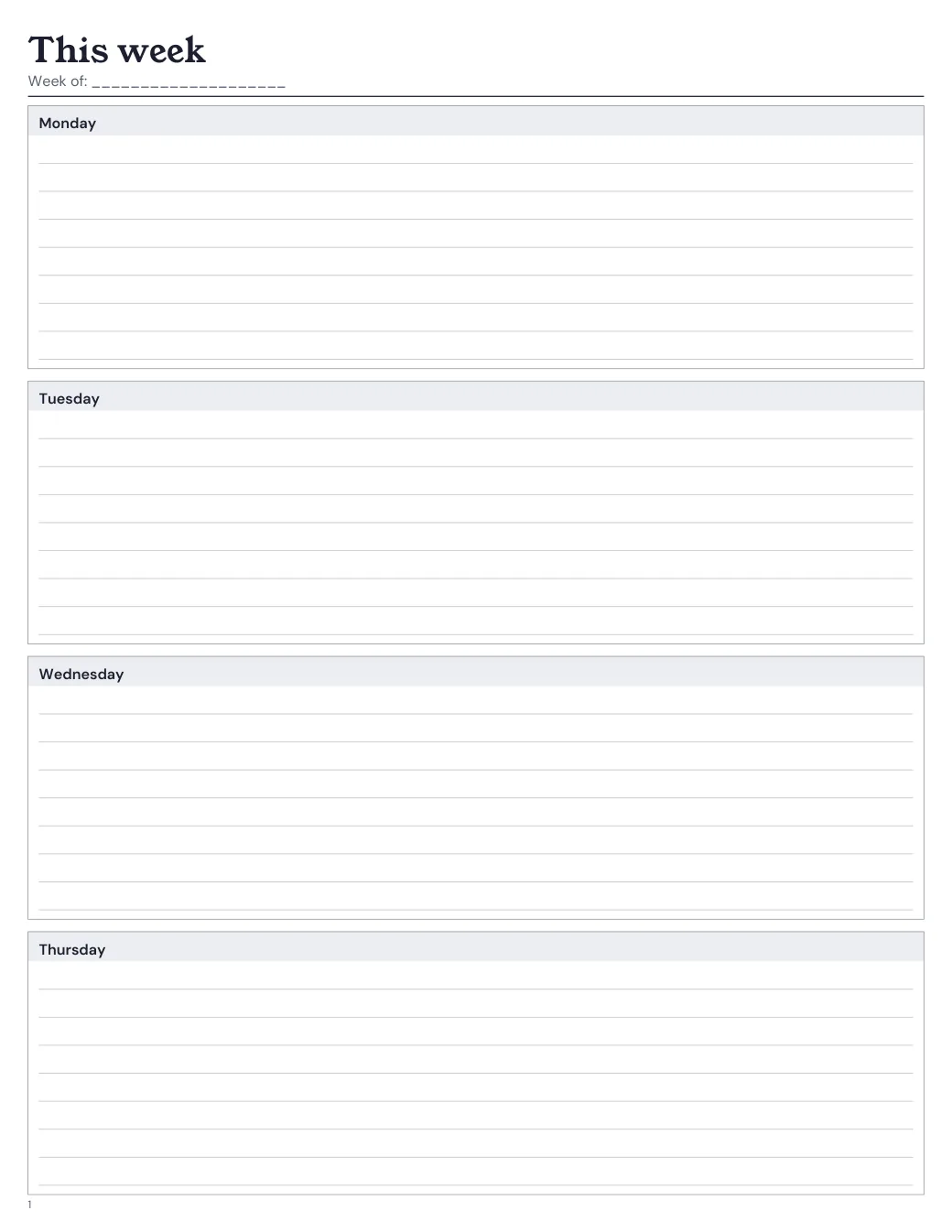
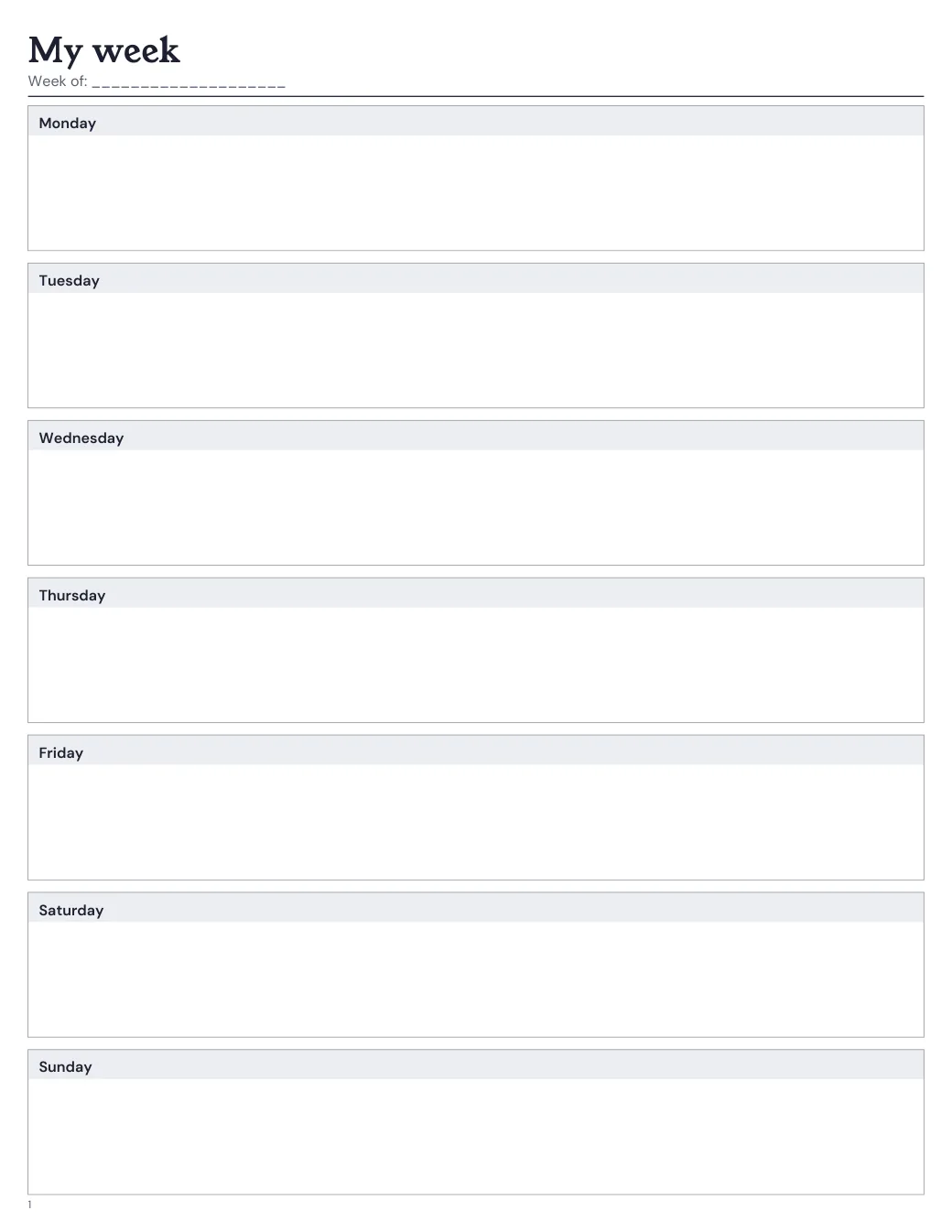
Start with horizontal rows if you mostly write lists. Choose the appointment grid when the time of day matters. The preview shows the page at your selected size, including the space left for writing.
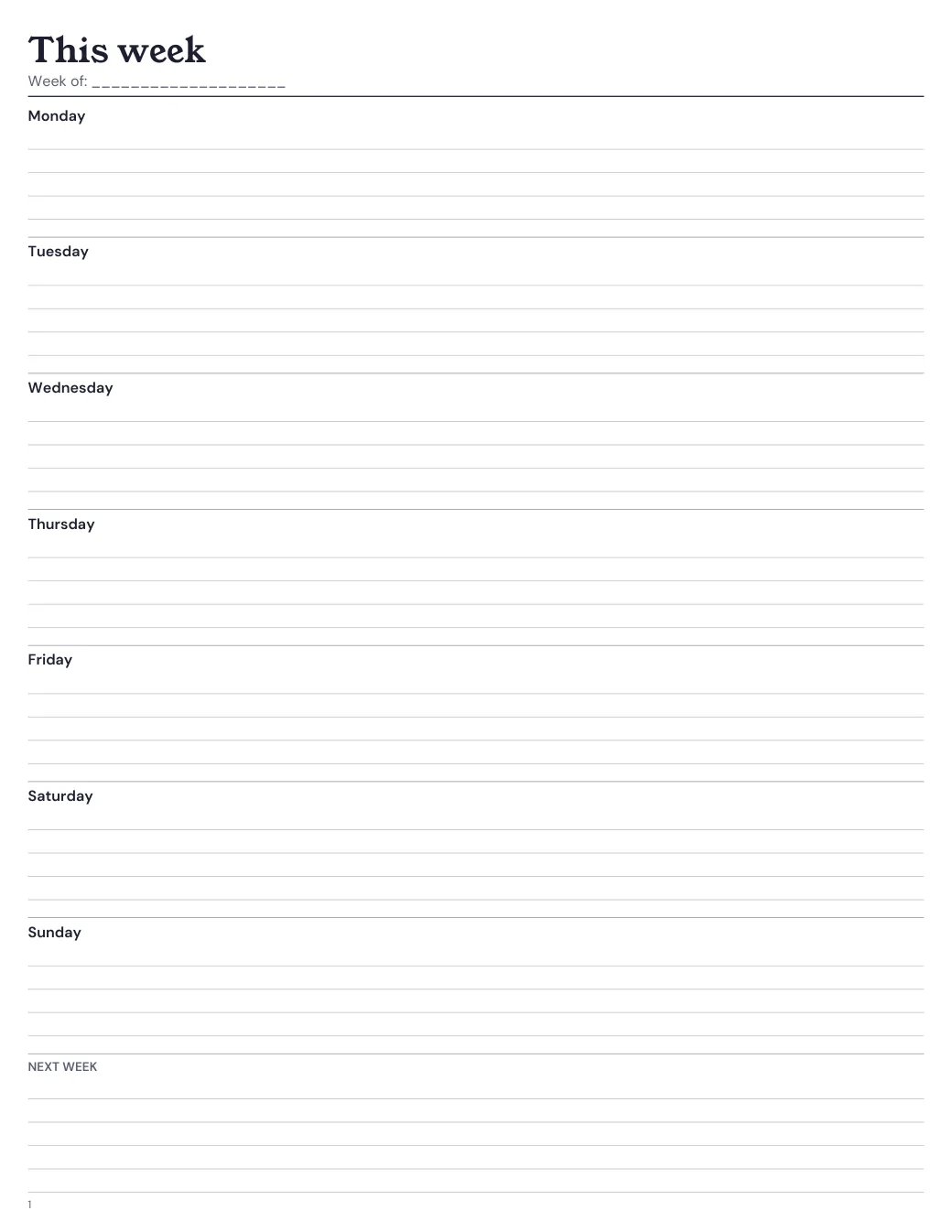
- Horizontal week: Wide lines under each day, with a place to carry tasks into next week.
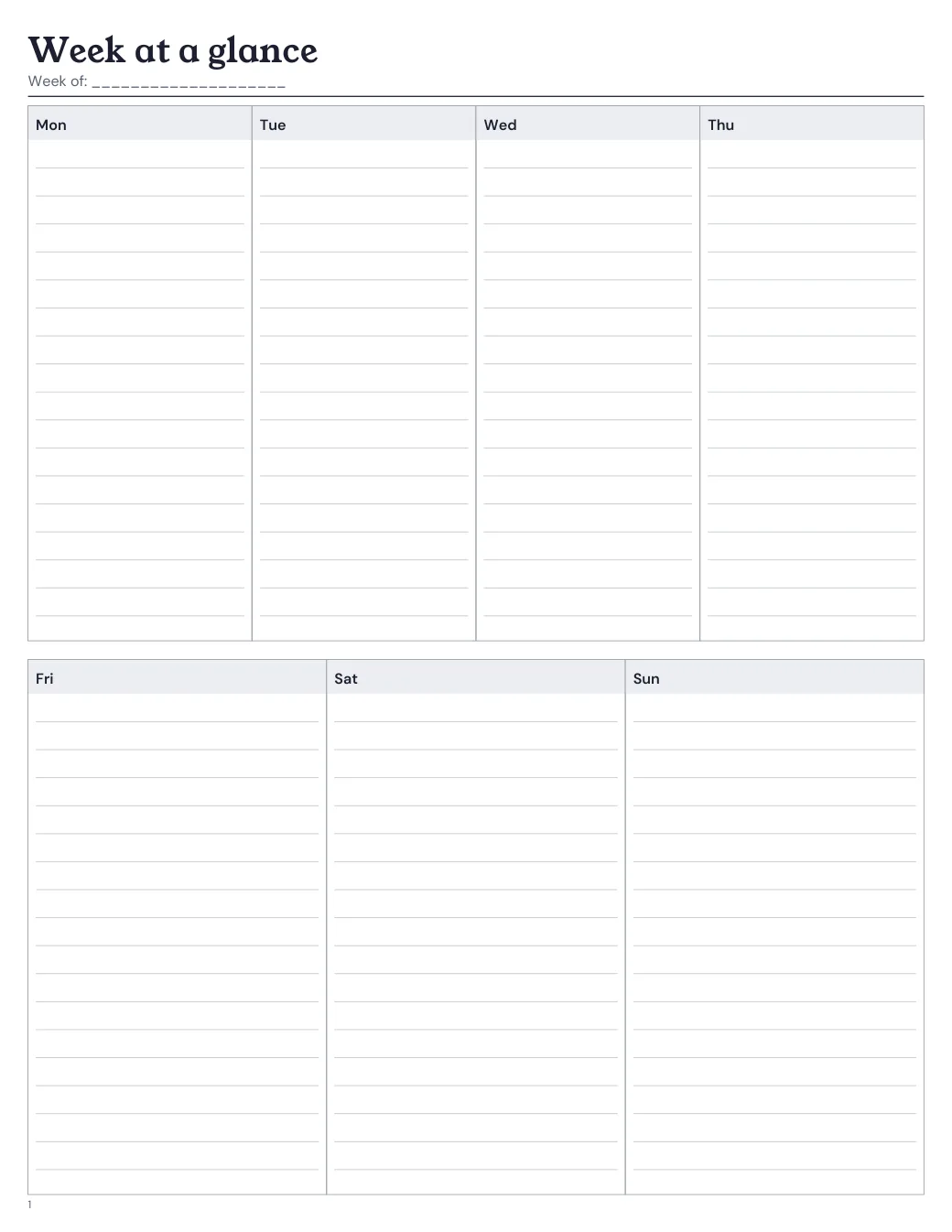
- Vertical week: Day columns in two rows keep the week together on a compact page.
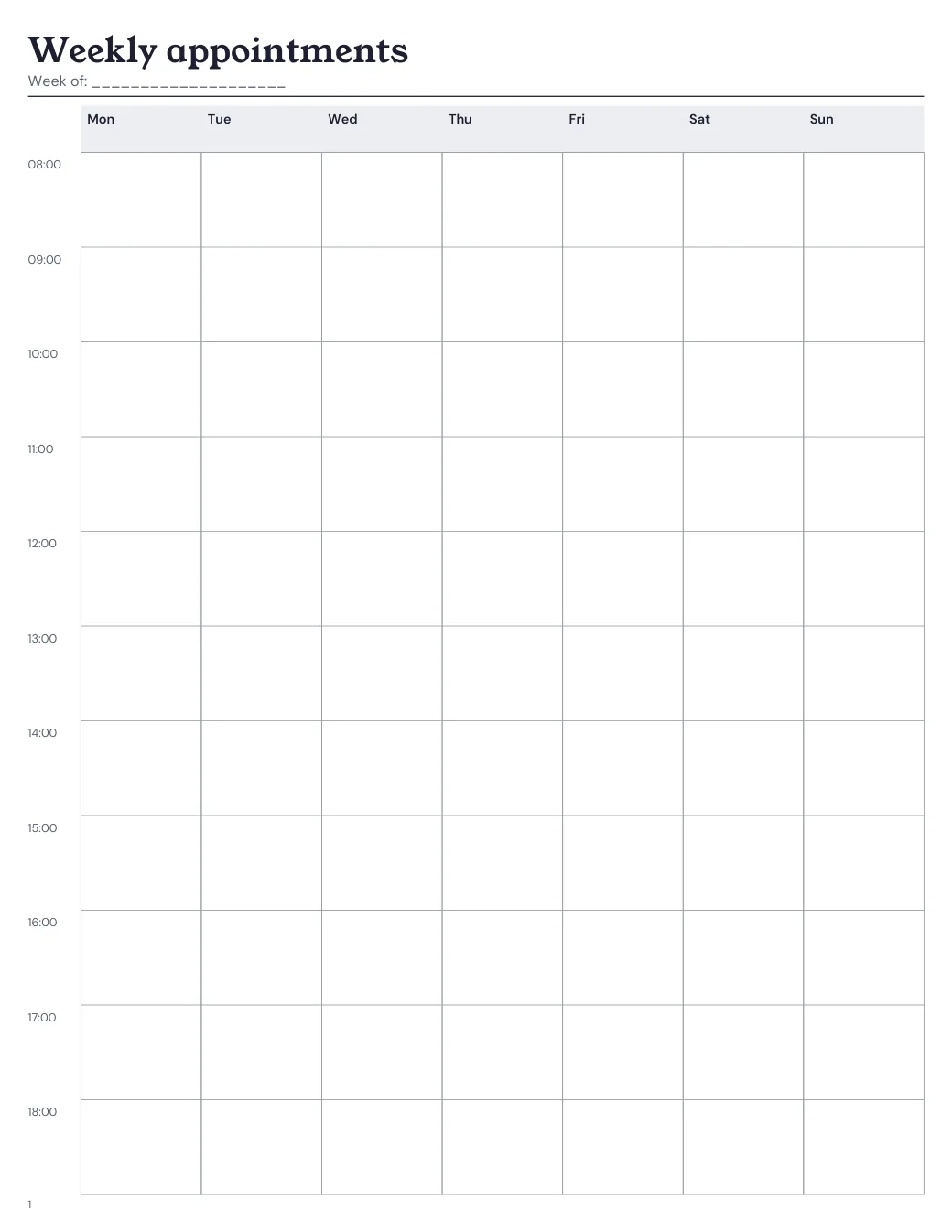
- Weekly appointments: Day columns share a time column. Choose your first and last hour and the space between time rows.
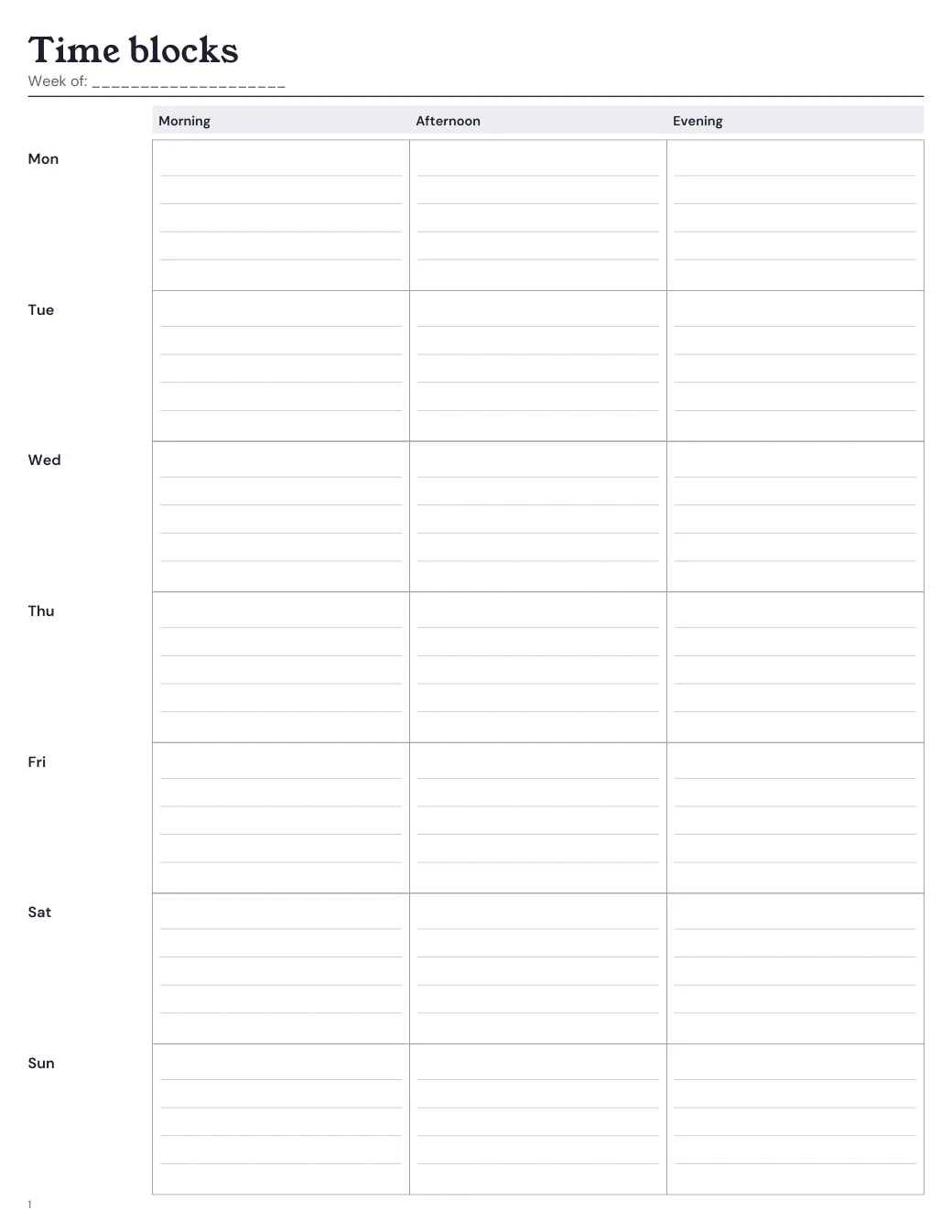
- Weekly time blocks: Morning, afternoon and evening run across each day. Write a task or a time range in each box.
- Two-page week: The week runs across a pair of pages, with wider day sections and a separate notes box.
- Blank day boxes: Day names mark out the week. Leave the boxes plain or add a light dot grid.
Appointments or time blocks?
The appointment grid puts times down the side and days across the page. Set the first hour, the last time row and hourly or half-hour spacing in the builder. The last time is a writing row too. Choose Monday to Friday if your weekend plans belong elsewhere.
Time blocks divide each day into morning, afternoon and evening. Use them for a study session, errands or work you can move within that part of the day. Write an exact time beside anything fixed. Choose the appointment grid when you need to see gaps between meetings.
A narrow refill can run out of room for day columns before it runs out of height. The builder tells you the remaining column width or row height when a schedule does not fit. Choose fewer days, shorten the hours or pick a wider page. For overnight shifts or more detail, use daily schedule pages.
A week across facing pages
Choose the two-page week when a few words per day will not do. The first part of the week fills one page; the remaining days and a notes box fill the next. Both pages keep the same week date.
For a bound refill, choose double-sided printing and a left or right binding edge. The PDF adds a blank before the week if needed so its pages face each other. Keep that blank when printing. It is included in the page order and paper count.
Print single-sided if you want separate sheets to place beside each other. A pair printed front and back on one sheet cannot be read side by side. Follow the refill assembly steps when trimming and stacking a double-sided set.
Blank boxes, dates and weekends
Blank day boxes leave out ruled lines. Add dots for light guidance, or keep the paper plain for sketches and short lists. Day names stay on the page. Choose undated pages if you want to write the dates yourself.
Dated weeks include the whole week containing your start and end dates. A range that starts midweek still shows the earlier days of that week. Choose Monday or Sunday as the first day. Monday to Friday leaves out the weekend regardless of that choice.
Keep deadlines on monthly planner pages and the work for each day on your weekly pages. The builder prints all weeks in one chosen layout before moving to the next layout. It does not alternate monthly and weekly pages automatically.
Print the size shown in your preview
Choose the size of the finished refill first. Then choose direct printing on that paper or a larger sheet with trim marks. The planner size guide compares the available sizes and print arrangements.
Your weekly pages can share a PDF with a cover, monthly pages and extra notes. Use the arrows in the builder to put those sections in order. Check the page list before downloading.
Print at Actual Size, with the source paper named in the PDF settings. Use the print-size checker if a page comes out too small. For a facing week, run the double-sided print test before printing the refill.