Lined paper
Choose the distance between writing lines, then download the sheet.
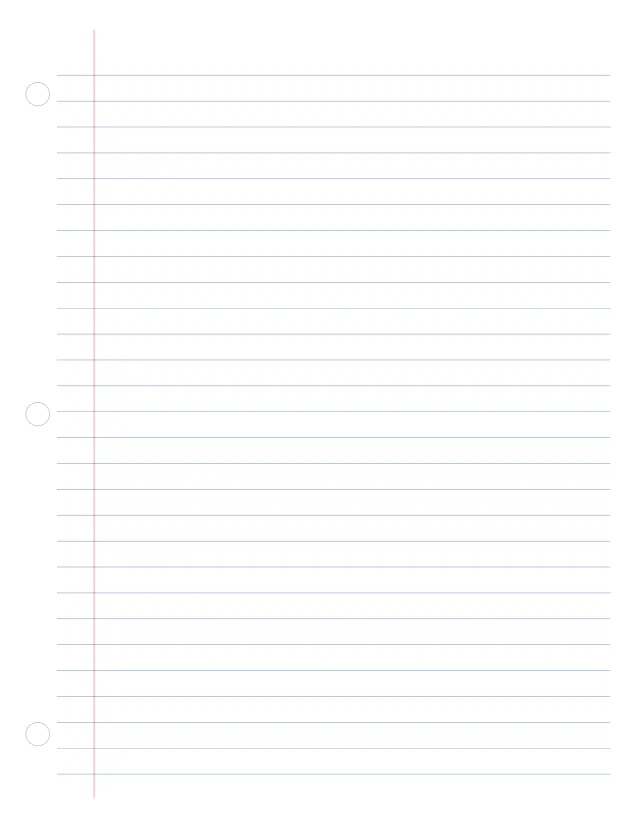
Notebook paper like the filler paper in a binder: blue lines, a red margin 1¼ in from the left edge and the binder holes marked, with a band at the top for your name and the date. Wide ruled to start; choose college ruled for smaller writing.
1 page · US Letter · Portrait
Free, with no account, email or watermark. Print at 100% or Actual size.
Also as an image, for a note-taking app or a design program:
Ready-made PDF (Letter) · Free to print and share copies · Check your print size
Wide ruled leaves 11/32 in (8.7 mm) between the lines and suits younger writers and larger handwriting; college ruled leaves 9/32 in (7.1 mm) and fits more on a page. Narrow ruled is 1/4 in (6.4 mm). Choose one above, or type your own spacing.
On Letter, the three circles are where a standard three-hole punch puts its holes: 4¼ in apart, ½ in from the edge. Punch through them, or line the sheet up in your punch. On A4 and A5 the two circles are 80 mm apart, for a two-ring binder. The lines stop short of the holes, and the red margin keeps your writing clear of them. Turn the marks off if you will not punch the sheet.
Use Actual size or 100% in the print dialog. Fit to page shrinks the lines and moves the holes.
Choose the distance between writing lines, then download the sheet.
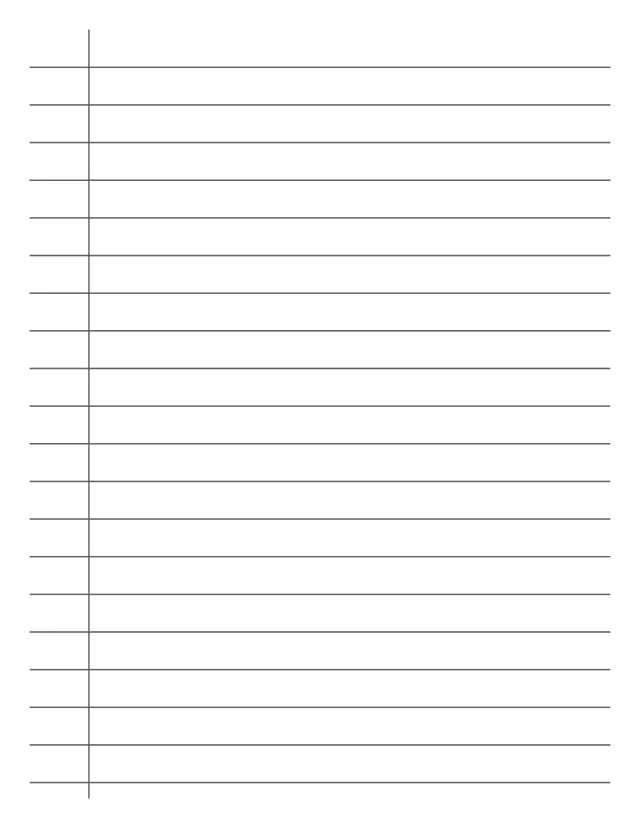
Writing lines with a left margin. Change the spacing if your notebook uses a different rule.
Handwriting paper for children learning to print: each set of lines has a top line, a dashed middle line and a base line, with a space below for tails. Choose the height for the child’s writing, or type your own.
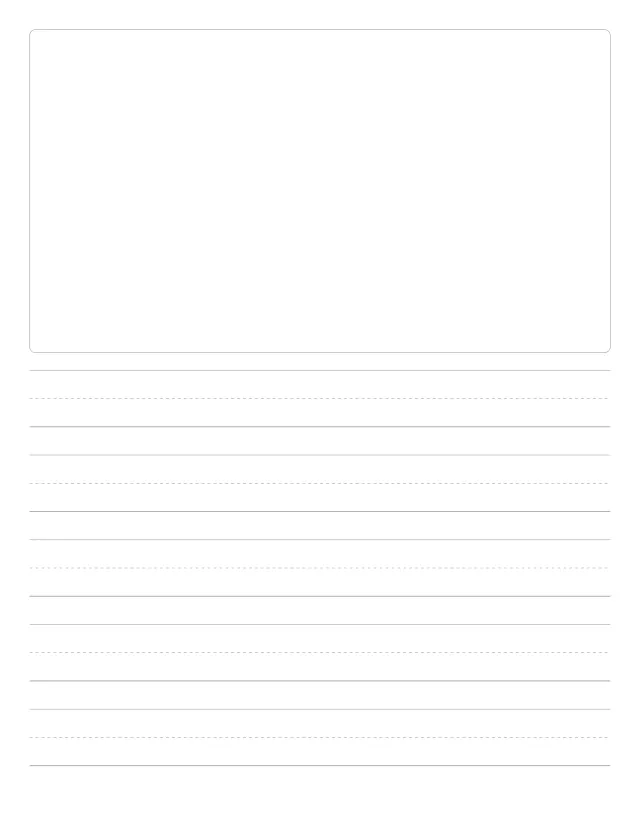
Writing paper for children: a big box to draw a picture in, then handwriting lines with a dashed middle line, so a child can draw the story and write about it. Choose how tall the lines are, or leave the box off for a page of lines.
Wide writing lines with a darker default stroke. Adjust the spacing to suit your writing.
No sheets match that. Try a shorter word.
Use the same paper size in the PDF and printer settings. Choose Actual size or 100%. Print a sample before making copies.