Printable label maker
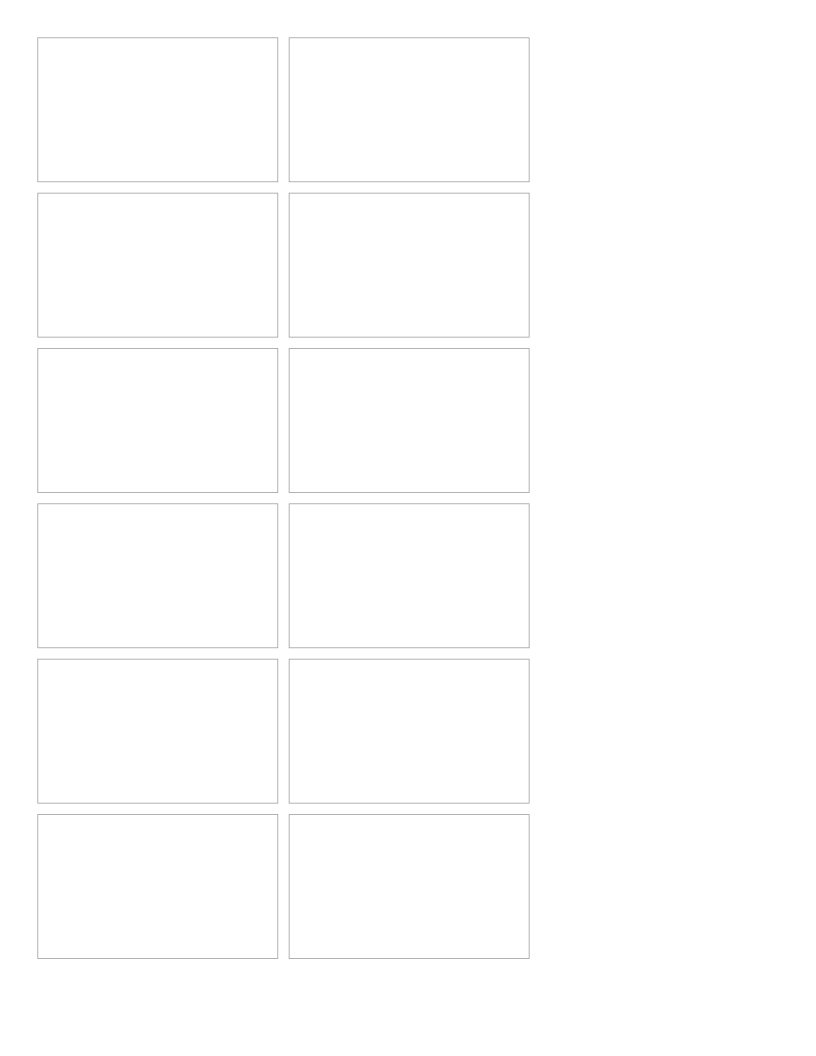
Choose the label dimensions and type one label per line. These layouts are for cutting from plain sheets.
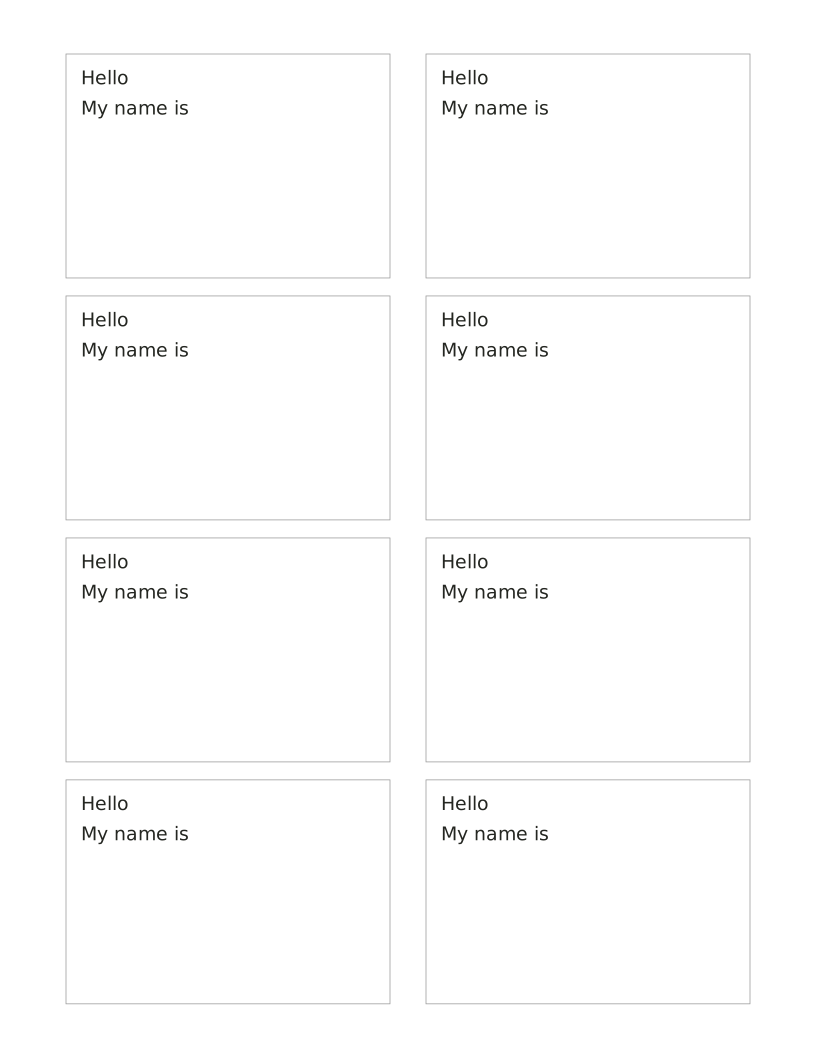
Print eight name badges on an Avery 5395 Letter sheet. Type one name per line; extra names continue on another sheet.
Adding keeps this sheet’s settings and entries in this tab. Clear the refill selection or close the tab to remove them.
Free · No account, email or watermark. Print at 100% or Actual size.
A zero margin can be clipped by a printer that cannot print to the edge.
1 PDF page · us-letter · portrait
Default PDF · Free to print and share copies · Check print size
The width and height describe the finished item. Print at Actual size or 100% to keep those dimensions. These are original layouts for plain paper; a pre-cut label sheet needs its exact margins and gaps.
Choose Avery 5395 in the sheet layout control for its Letter sheet positions. This preset uses the manufacturer’s blank-template coordinates. Check alignment on plain paper before using adhesive stock. Choose Plain paper to set your own badge dimensions.
Choose the label dimensions and type one label per line. These layouts are for cutting from plain sheets.
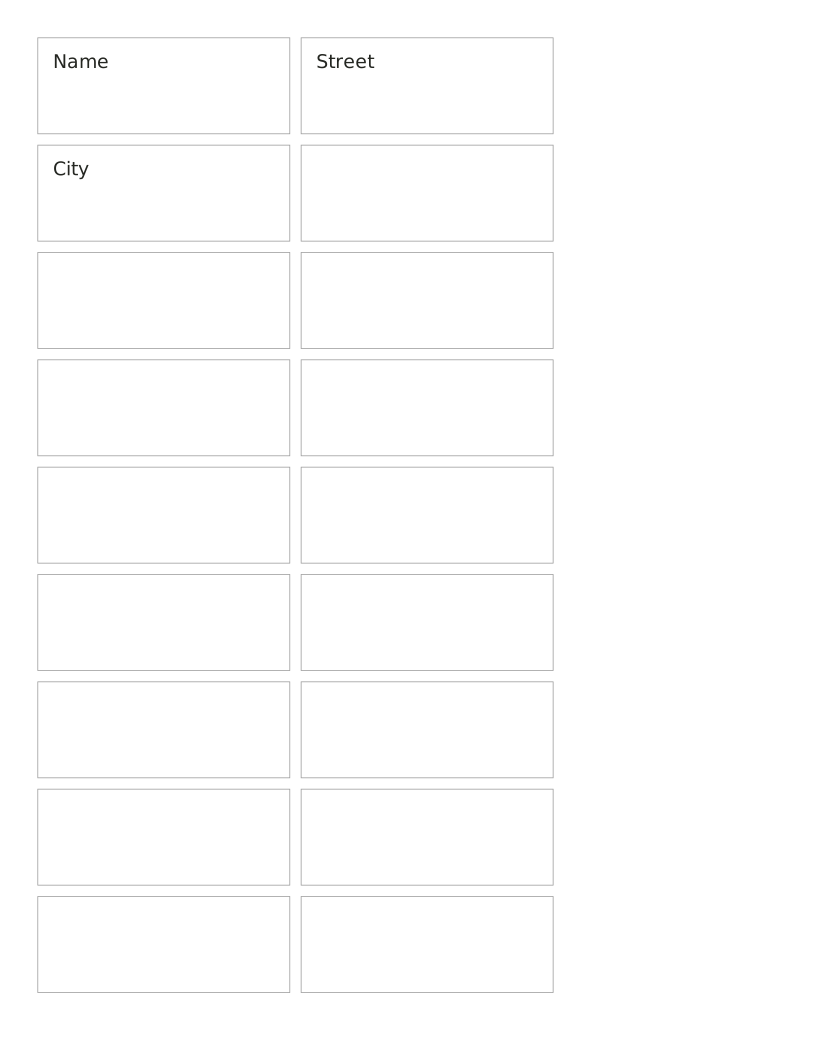
Choose the label dimensions and type one label per line. These layouts are for cutting from plain sheets.
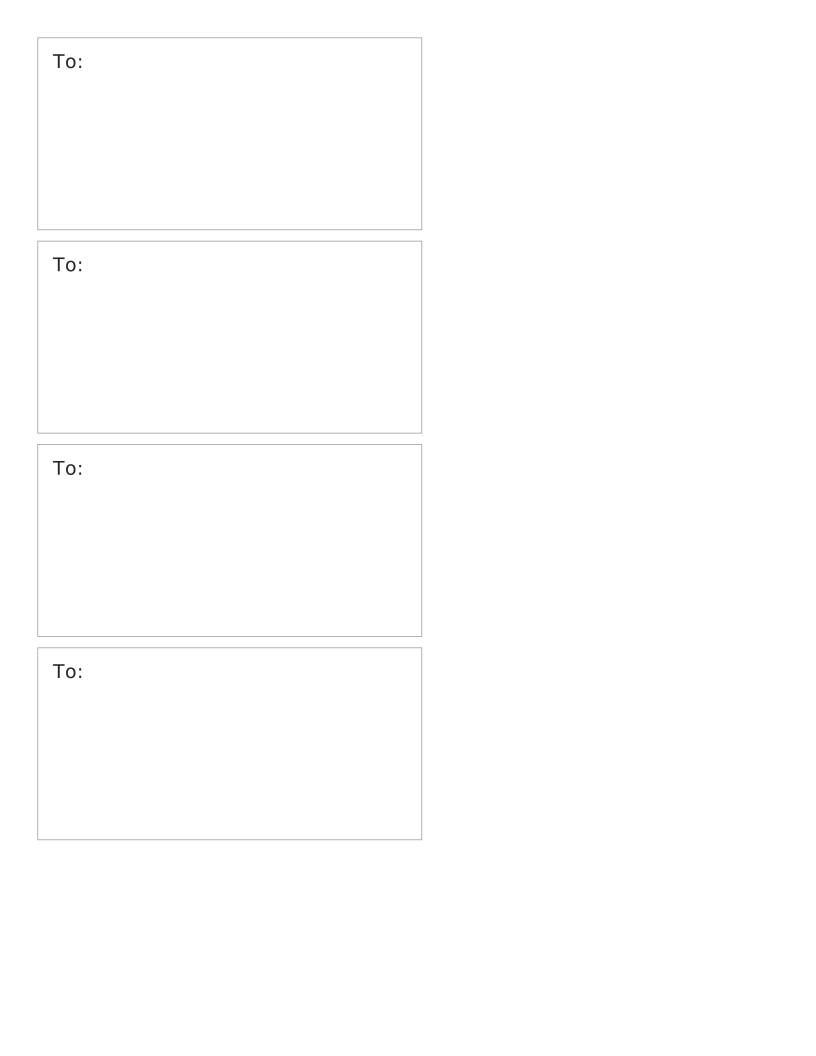
Choose the label dimensions and type one label per line. These layouts are for cutting from plain sheets.
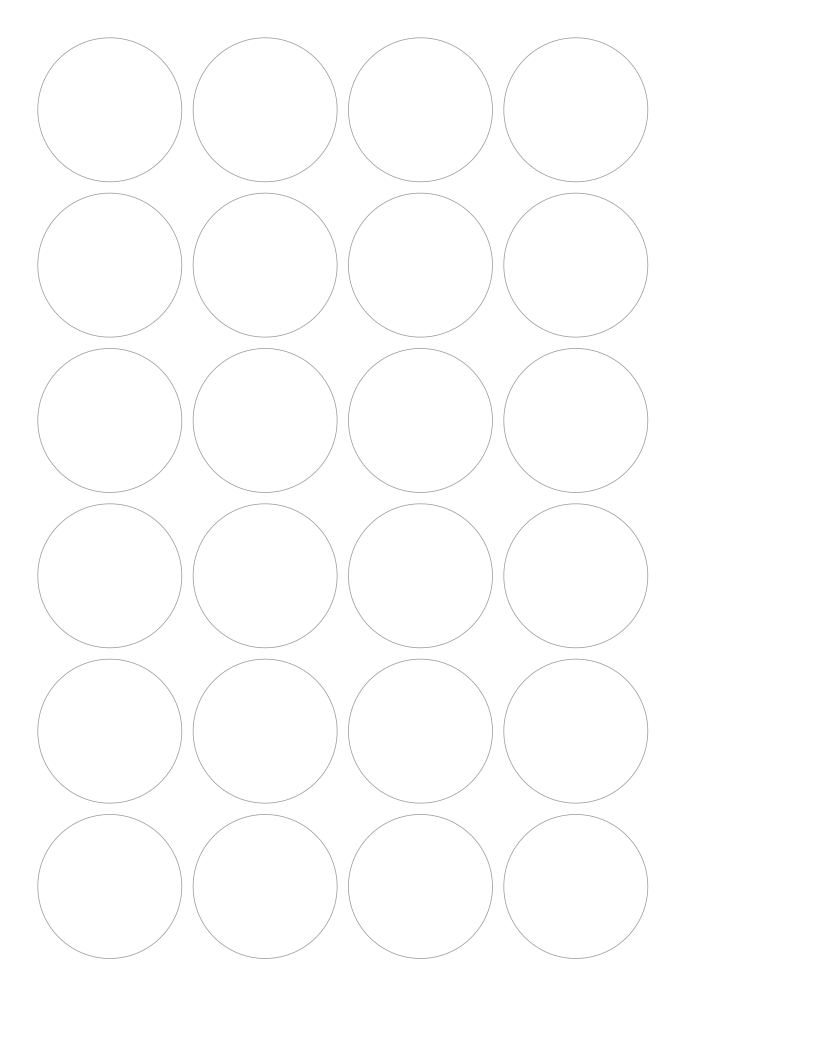
Choose the label dimensions and type one label per line. These layouts are for cutting from plain sheets.
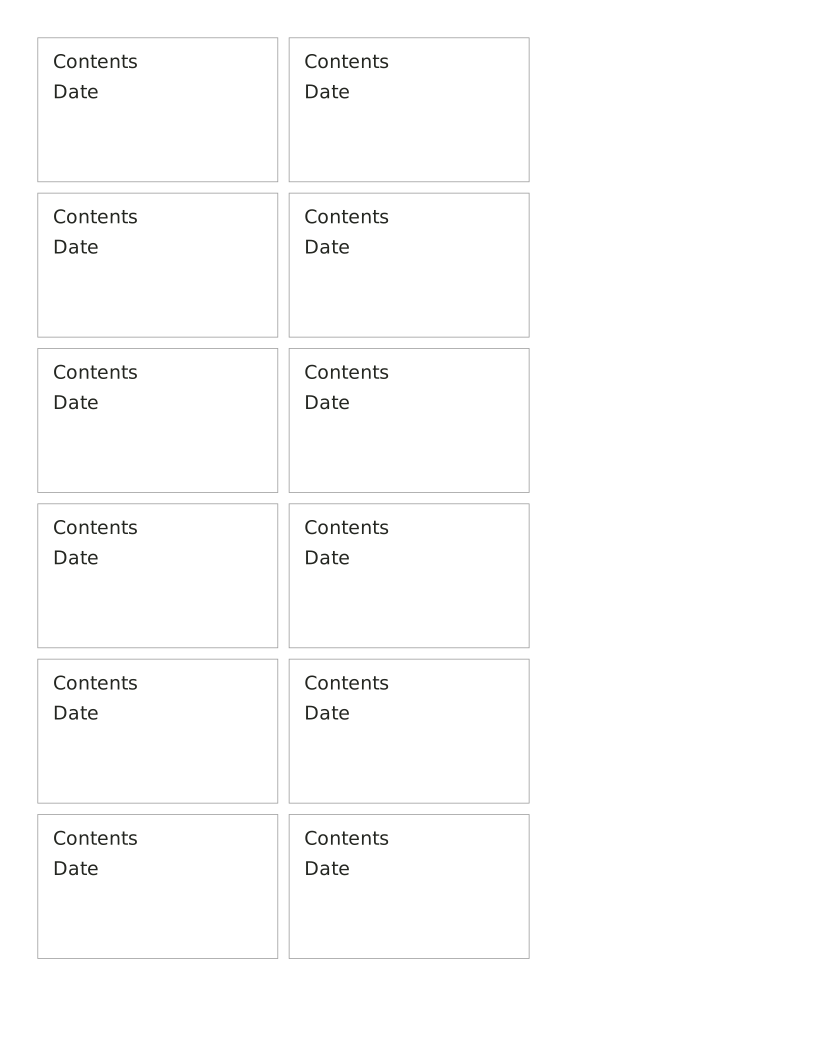
Choose the label dimensions and type one label per line. These layouts are for cutting from plain sheets.
Choose the label dimensions and type one label per line. These layouts are for cutting from plain sheets.
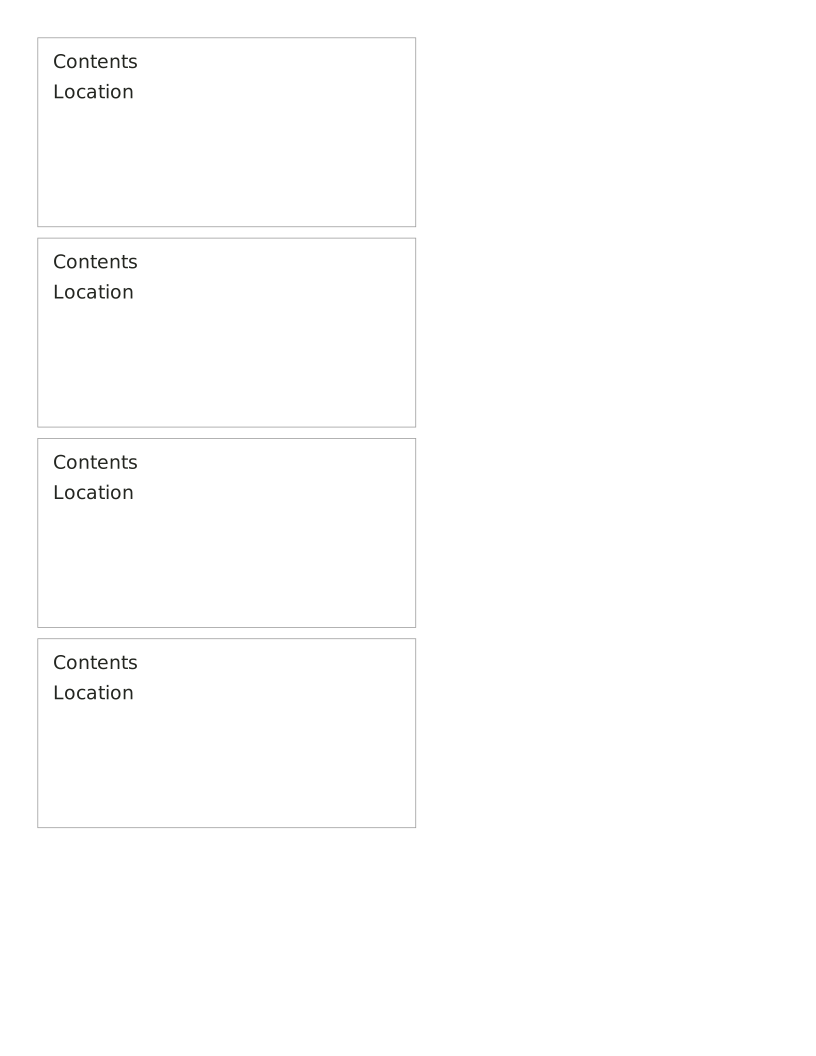
Choose the label dimensions and type one label per line. These layouts are for cutting from plain sheets.
No sheets match that search.
Use the same paper size in the PDF and printer settings. Choose Actual size or 100%. Print a sample before making copies.