Label maker
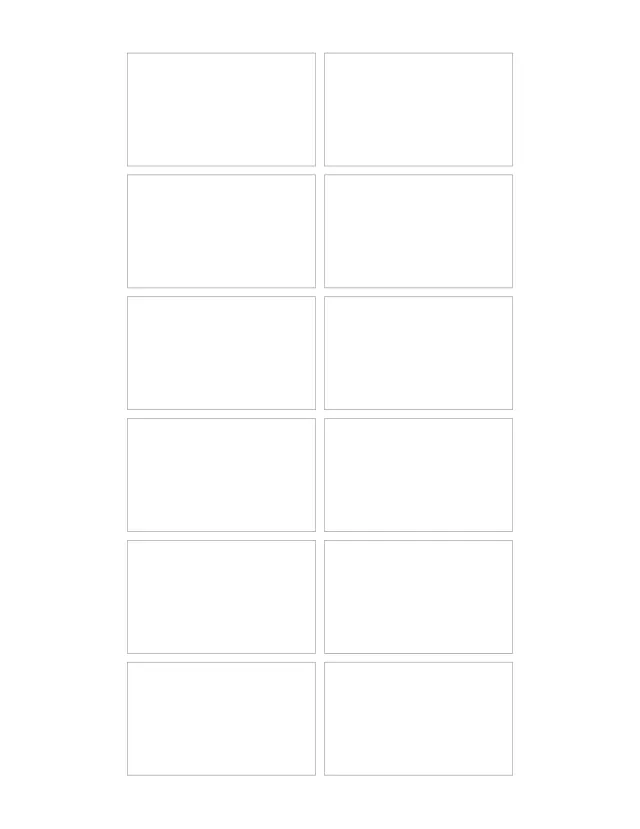
Labels at any size you set, 12 to a sheet at the starting 2½ × 1½ in. Type one label per line, or one line to fill the sheet, then print on sticker paper and cut them out.
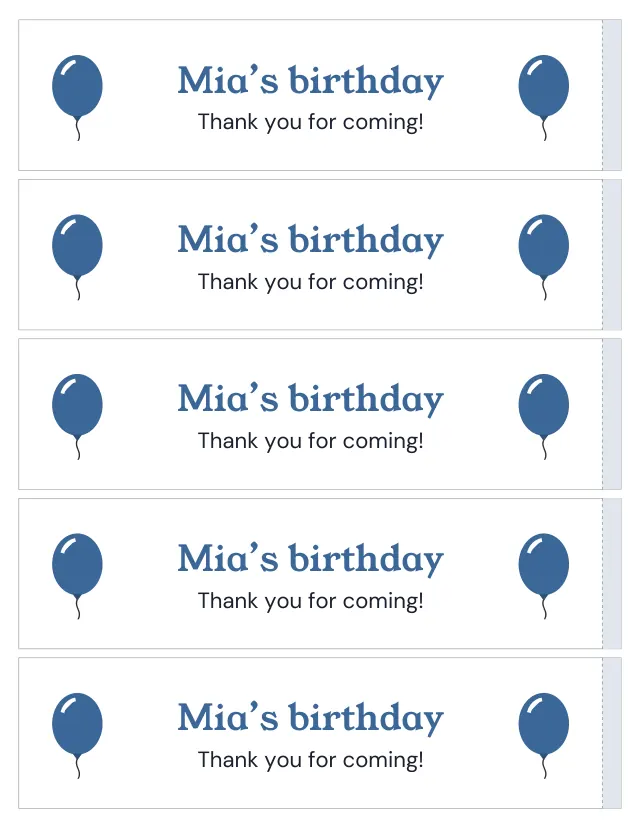
Five water bottle labels, 8 × 2 in, on a Letter sheet, each wrapping once round the bottle with a shaded end to overlap. Measure round your bottle and set the length, then type the words: a name, a party or a team. They also print on Avery 22845 wraparound label sheets.
1 page · US Letter · Portrait
Free, with no account, email or watermark. Print at 100% or Actual size.
Ready-made PDF (Letter) · Free to print and share copies · Check your print size
Wrap a strip of paper round the bottle where the label goes and mark where it meets its end. Measure the strip and add 6 mm (¼ in) for the overlap: that is the label length. For the height, measure the smooth, straight part of the bottle between its curves.
Print at Actual size or 100% on full-sheet sticker paper, or on plain paper and fix the ends with tape. Cut along the outline, wrap the label round the bottle and lay the plain end over the shaded end. A cold bottle gathers water on the outside, which can make inkjet ink run; waterproof sticker paper or a laser printer holds up better.
A label 8 in (203 mm) long fits across a Letter sheet, five to a sheet. A4 is 210 mm wide, so a label up to 200 mm long fits it upright, five to a sheet; for a longer label, turn the sheet to landscape, which takes three.
Choose Avery 22845 under Label sheet, or its ready file: five labels 9¾ × 1¼ in print where Avery’s labels sit. The labels run down the sheet, so the PDF is landscape and the printer turns it onto the page; print at Actual size or 100%. A 9¾ in label is long for a small bottle, so wrap a paper strip round yours first: the label must reach round with some to spare. Try one sheet on plain paper and hold it against a label sheet to the light before printing on labels.
Labels at any size you set, 12 to a sheet at the starting 2½ × 1½ in. Type one label per line, or one line to fill the sheet, then print on sticker paper and cut them out.
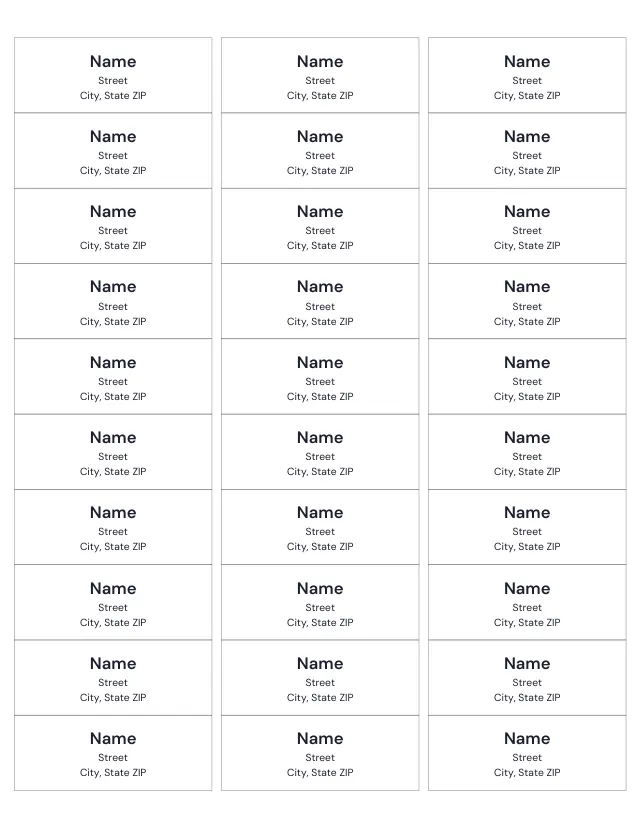
30 address labels on a Letter sheet, where Avery 5160 and other 5160-size sheets place them (18 on A4), each 2⅝ × 1 inches (66.7 × 25.4 mm). Type your address as you would on an envelope to print it on every label, or a different address on each label.
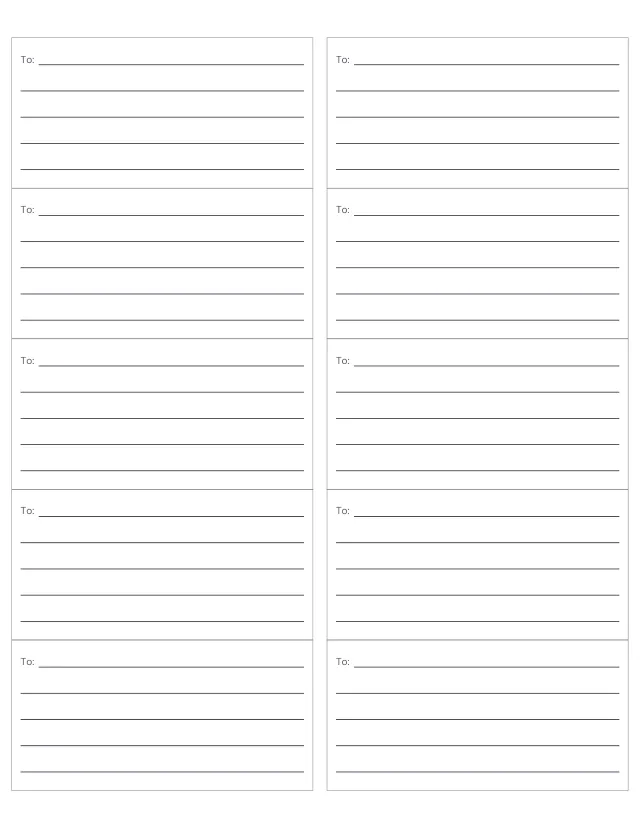
Ten 4 × 2 in shipping labels on a Letter sheet, where Avery 5163 places them (five on A4), each with a To line and room for the address. Type the address as you would on an envelope, or write it in.
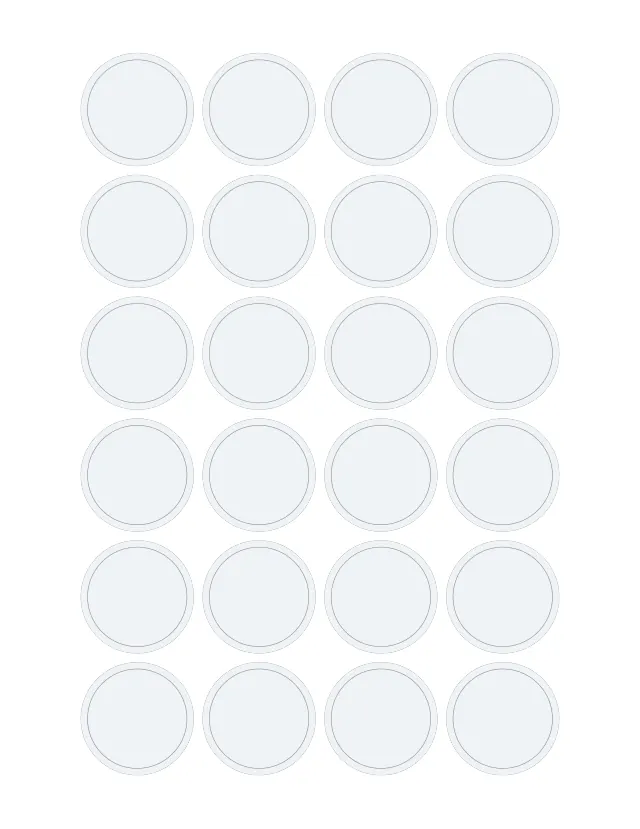
24 round labels, 1½ in (38 mm) across, for jar lids, envelope seals and party favours. Type one label per line, or one line to print on all 24.
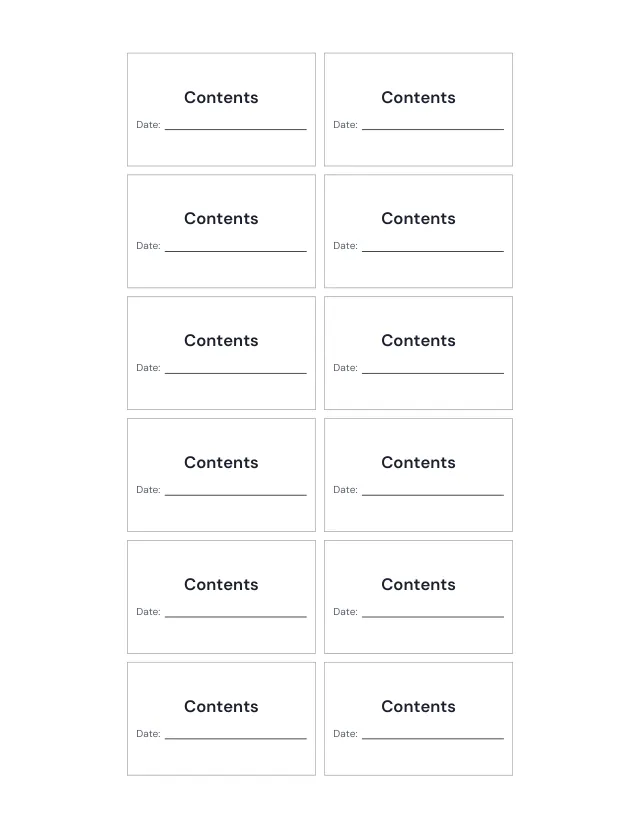
12 jar labels, 2½ × 1½ in, with what is inside in large letters and a line for the date. Type one jar per line, or one line for all 12.
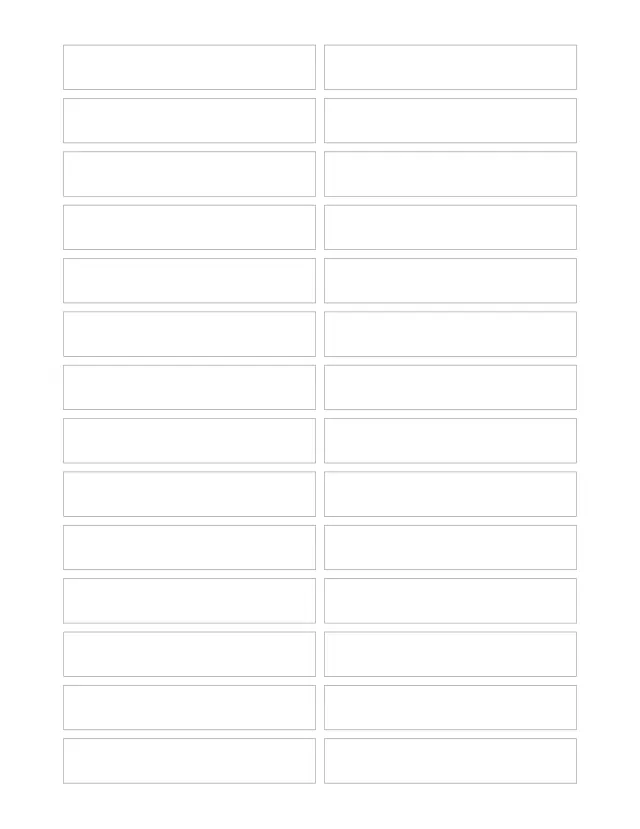
28 file folder labels on a Letter sheet (30 on A4), each 85 × 15 mm, a strip for a folder tab. Type one folder name per line.
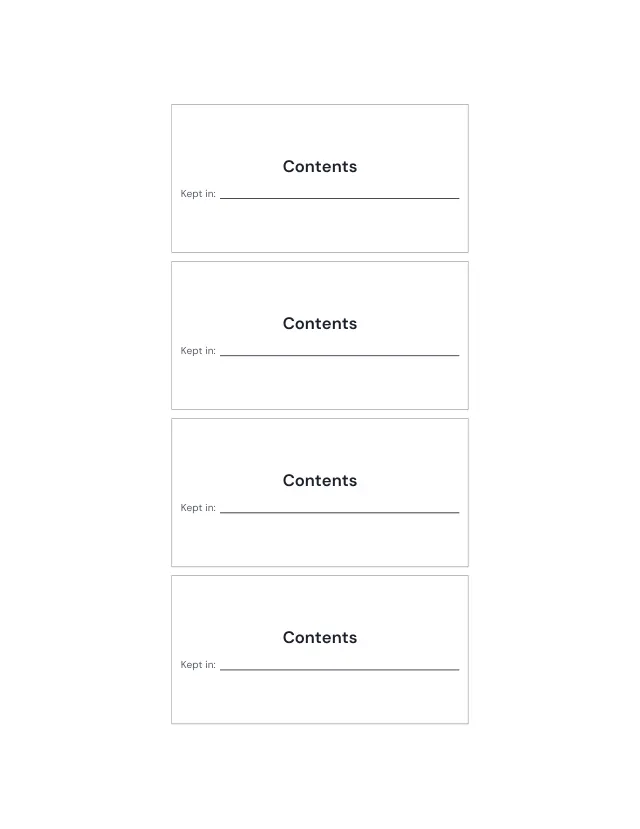
Four storage labels, 100 × 50 mm, on a Letter sheet (five on A4): what is in the box in large letters, and a line for where it is kept.
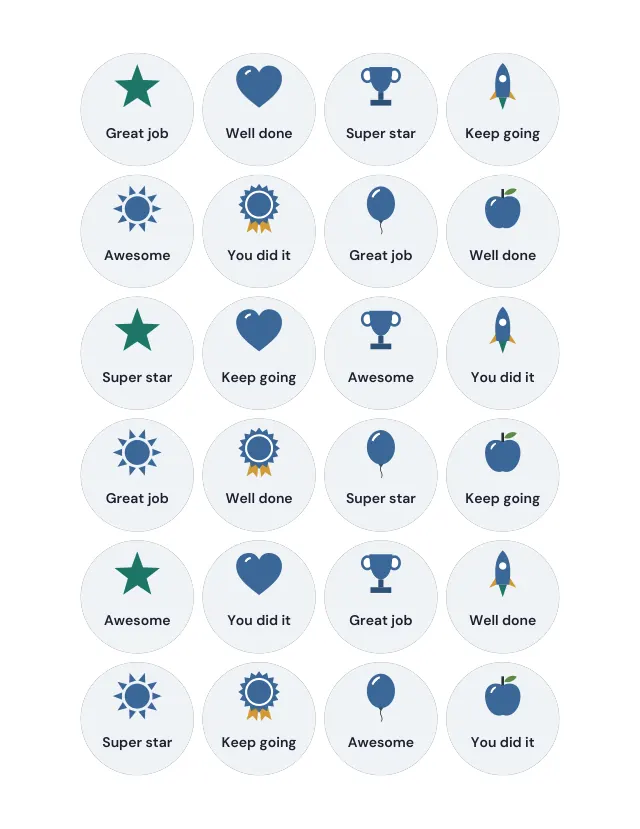
Round reward stickers, 1½ in (38 mm) across, each with a drawing and a word of praise: Great job, Well done, Super star, Keep going, Awesome and You did it. Print them on sticker paper and cut them out, or type your own words, one per sticker.
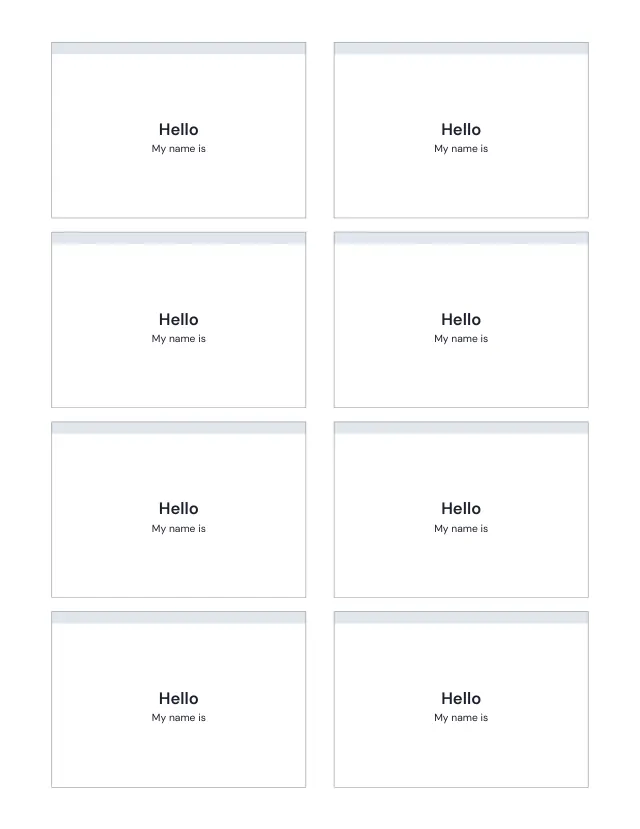
Print eight name badges on an Avery 5395 Letter sheet. Type one name per line; extra names continue on another sheet.
No sheets match that. Try a shorter word.
Use the same paper size in the PDF and printer settings. Choose Actual size or 100%. Print a sample before making copies.