Label maker
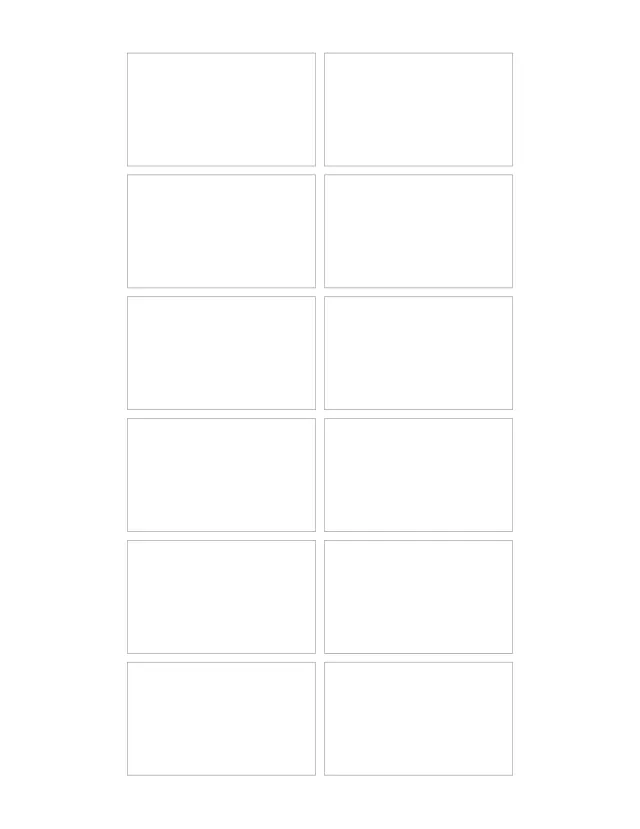
Labels at any size you set, 12 to a sheet at the starting 2½ × 1½ in. Type one label per line, or one line to fill the sheet, then print on sticker paper and cut them out.
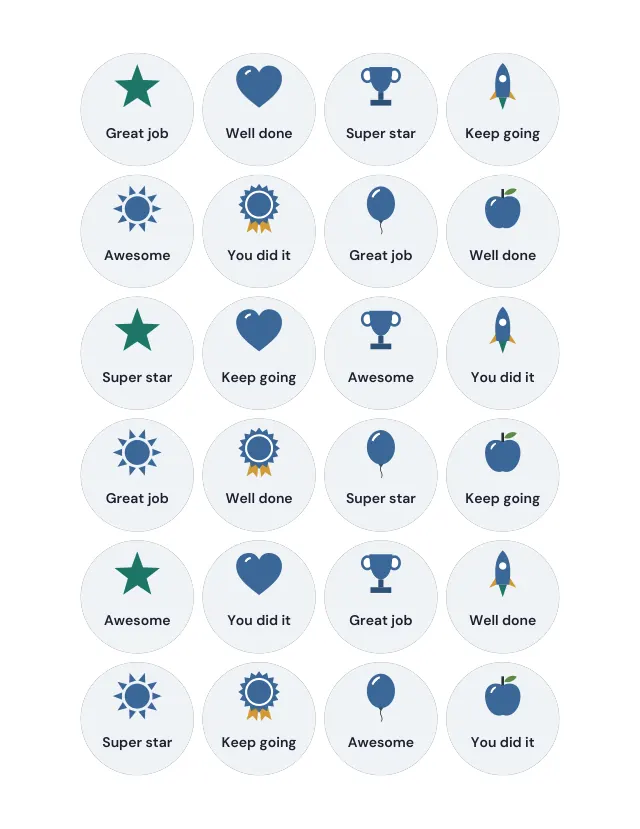
Round reward stickers, 1½ in (38 mm) across, each with a drawing and a word of praise: Great job, Well done, Super star, Keep going, Awesome and You did it. Print them on sticker paper and cut them out, or type your own words, one per sticker.
1 page · US Letter · Portrait
Free, with no account, email or watermark. Print at 100% or Actual size.
Ready-made PDF (Letter) · Free to print and share copies · Check your print size
The width and height describe each finished sticker. Print at Actual size or 100% to keep that size, on a full sheet of sticker paper, then cut them out. For pre-cut round sticker sheets, set the width, height and gap to match the sheet.
Labels at any size you set, 12 to a sheet at the starting 2½ × 1½ in. Type one label per line, or one line to fill the sheet, then print on sticker paper and cut them out.
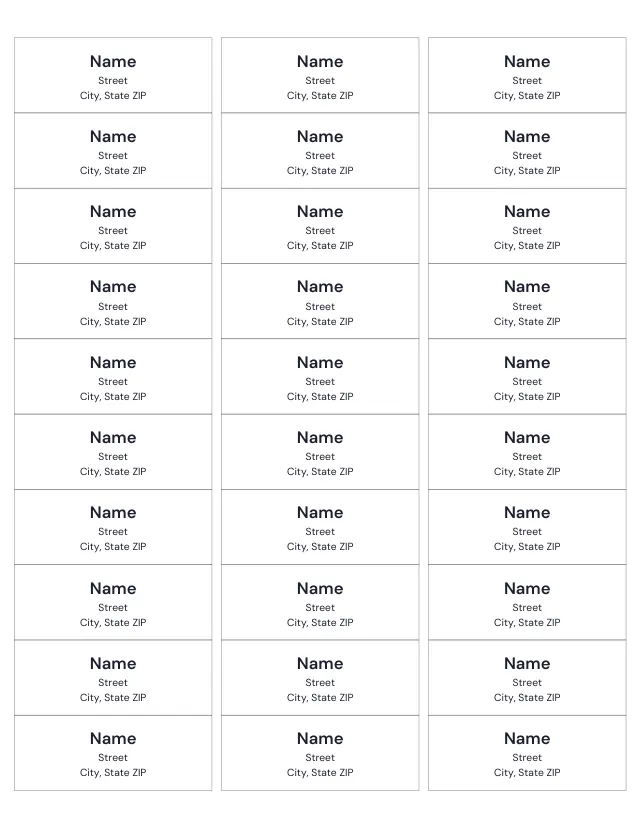
30 address labels on a Letter sheet, where Avery 5160 and other 5160-size sheets place them (18 on A4), each 2⅝ × 1 inches (66.7 × 25.4 mm). Type your address as you would on an envelope to print it on every label, or a different address on each label.
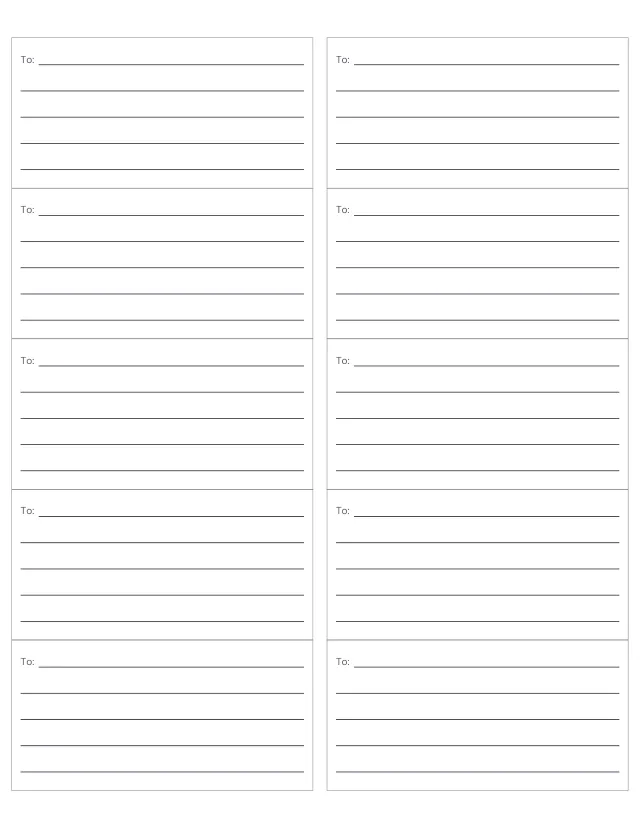
Ten 4 × 2 in shipping labels on a Letter sheet, where Avery 5163 places them (five on A4), each with a To line and room for the address. Type the address as you would on an envelope, or write it in.
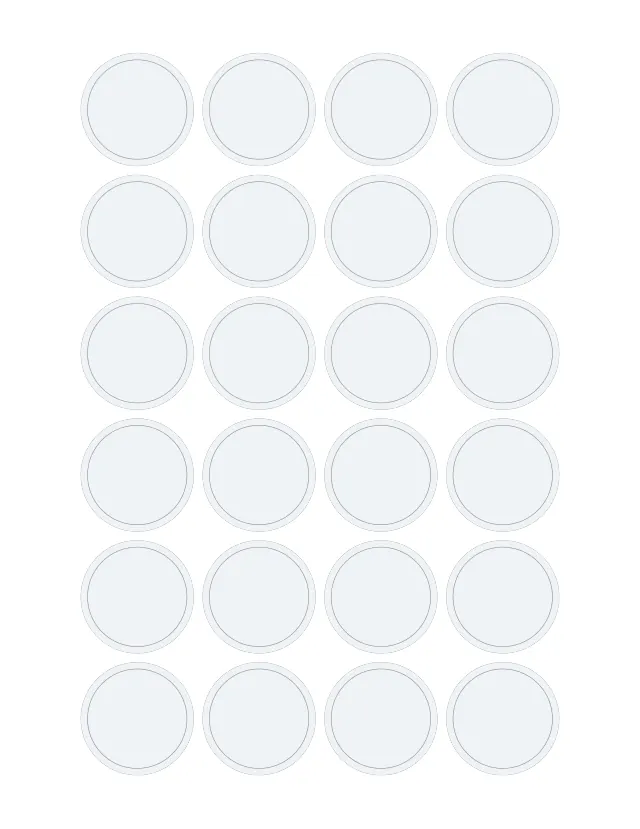
24 round labels, 1½ in (38 mm) across, for jar lids, envelope seals and party favours. Type one label per line, or one line to print on all 24.
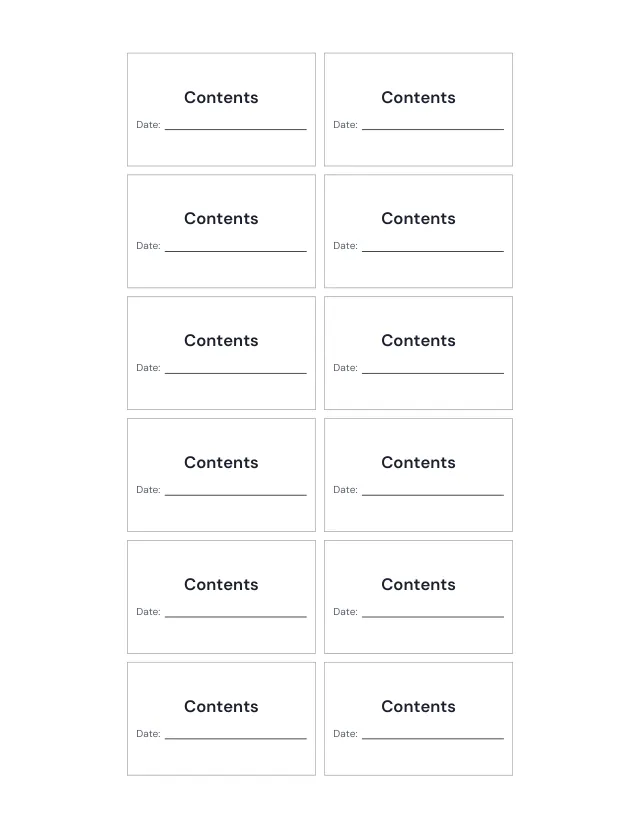
12 jar labels, 2½ × 1½ in, with what is inside in large letters and a line for the date. Type one jar per line, or one line for all 12.
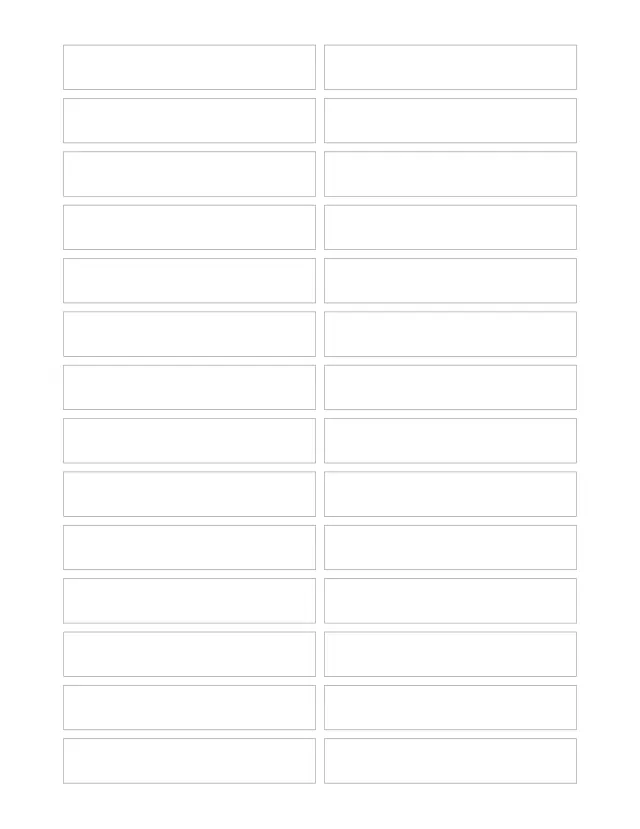
28 file folder labels on a Letter sheet (30 on A4), each 85 × 15 mm, a strip for a folder tab. Type one folder name per line.
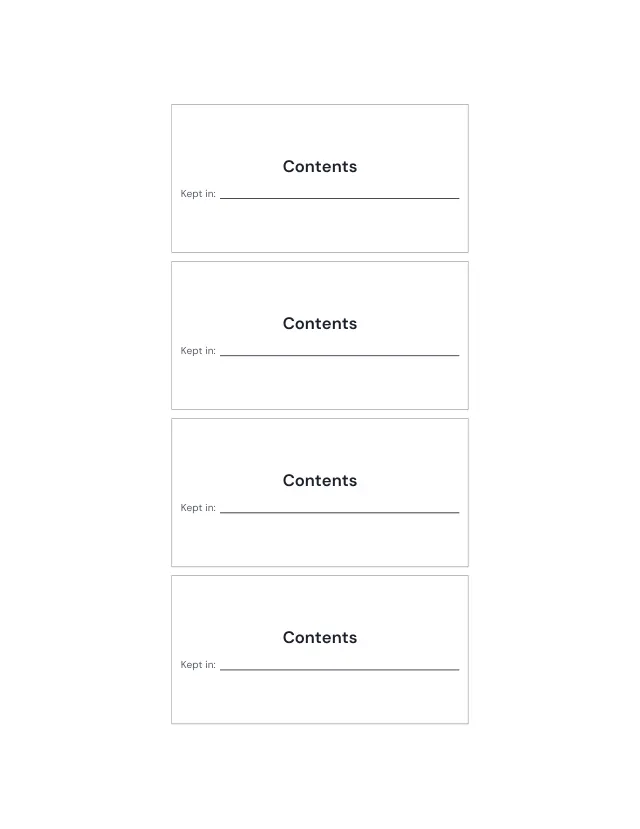
Four storage labels, 100 × 50 mm, on a Letter sheet (five on A4): what is in the box in large letters, and a line for where it is kept.
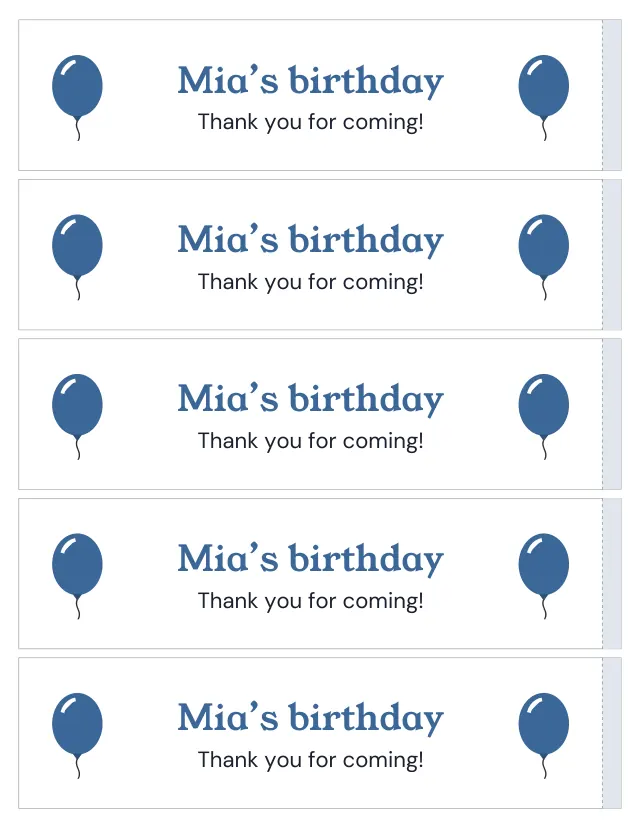
Five water bottle labels, 8 × 2 in, on a Letter sheet, each wrapping once round the bottle with a shaded end to overlap. Measure round your bottle and set the length, then type the words: a name, a party or a team. They also print on Avery 22845 wraparound label sheets.
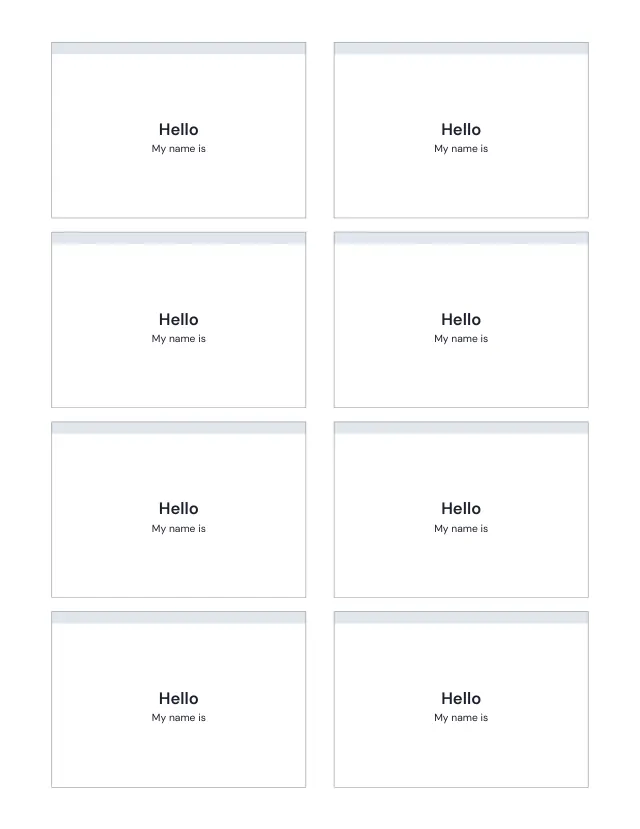
Print eight name badges on an Avery 5395 Letter sheet. Type one name per line; extra names continue on another sheet.
No sheets match that. Try a shorter word.
Use the same paper size in the PDF and printer settings. Choose Actual size or 100%. Print a sample before making copies.