Multiplication worksheets
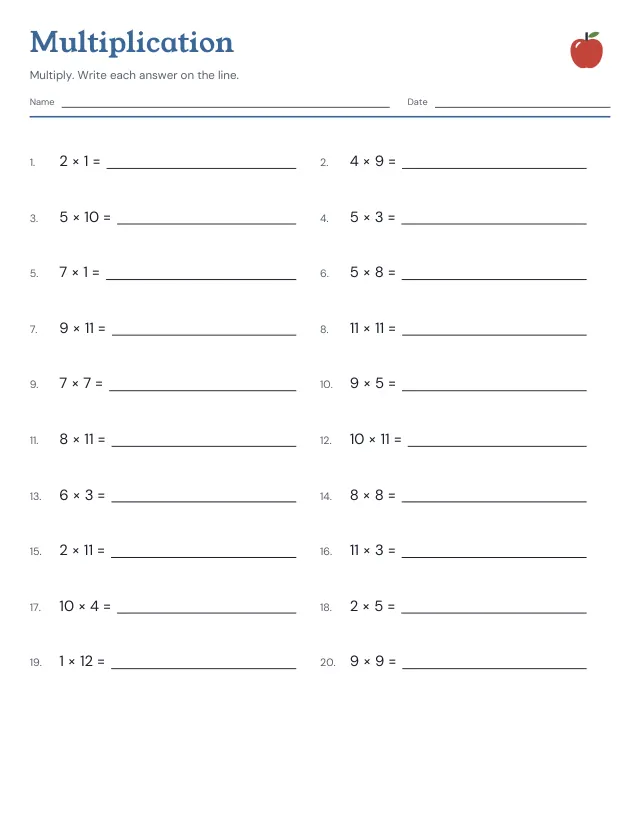
Practice products of two whole numbers from the range you choose. The answer key lists each product.
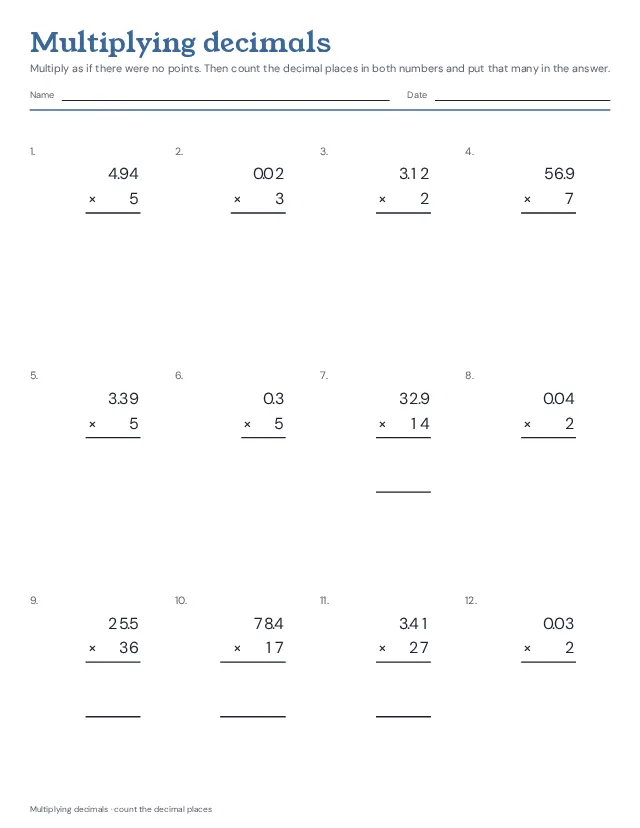
Twelve multiplications a page in columns, with room for the working: a decimal times a whole number, as 4.7 × 23; tenths times tenths, as 2.4 × 1.3; or hundredths times tenths, as 3.25 × 1.4. Or thirty a page to multiply by 10, 100 and 1,000. Every sheet in columns has products that need a 0 in front and products whose last 0 drops. Worked answer key. New questions each time.
2 pages · US Letter · Portrait
Free, with no account, email or watermark. Print at 100% or Actual size.
Ready-made PDF (Letter) · Free to print and share copies · Check your print size
In the Common Core, multiplying decimals to hundredths is grade 5 work, and so is moving the point when multiplying by 10, 100 or 1,000; working any decimals with the written method is grade 6. Start with a decimal times a whole number, or with 10, 100 and 1,000; then tenths times tenths, then hundredths times tenths.
Multiply as if there were no points: for 2.4 × 1.3, work out 24 × 13 = 312. Then count the decimal places in both numbers, here 1 + 1 = 2, and give the answer that many: 3.12. The digits do not need lining up by their points, as they do for adding. If the answer has too few digits, write 0s in front: 0.2 × 0.4 is 2 × 4 = 8, with two places, so 0.08. A last 0 after the point can go: 2.5 × 0.4 = 1.00 = 1.
Multiplying by 10 moves the point one place to the right, by 100 two places and by 1,000 three: 0.47 × 100 = 47. When the digits run out, write 0s: 4.7 × 1,000 = 4,700. A quick check for any answer: 2.4 × 1.3 lies between 2 × 1 = 2 and 3 × 2 = 6, so 3.12 can be right and 31.2 cannot.
Practice products of two whole numbers from the range you choose. The answer key lists each product.
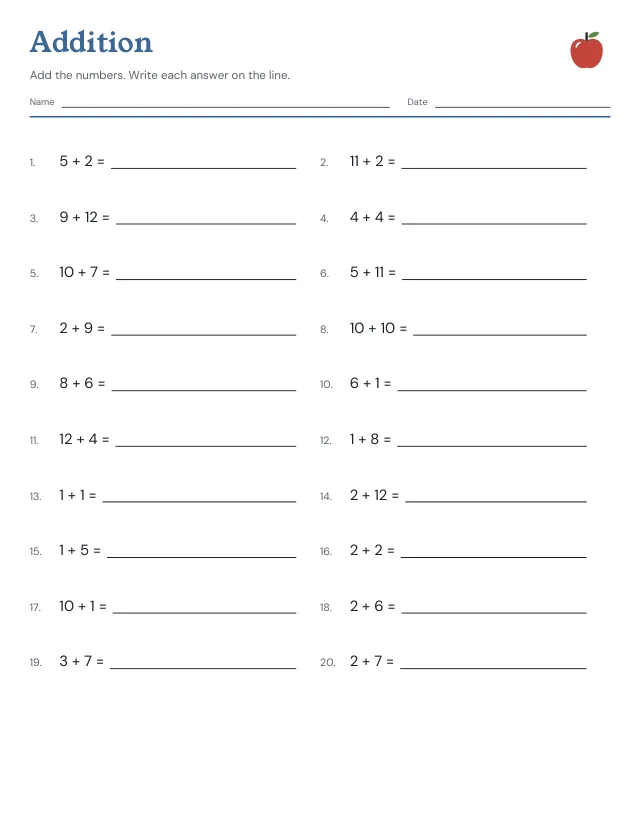
Add pairs of whole numbers from your chosen range. Write each sum in the blank and check it against the answer key.
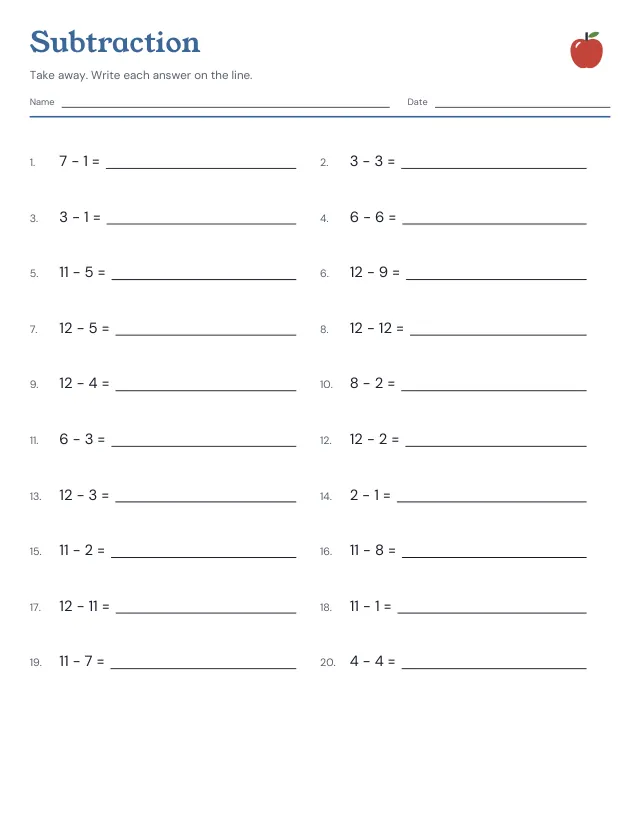
Subtract the smaller whole number from the larger one. Answers are zero or positive, with a separate key for checking.
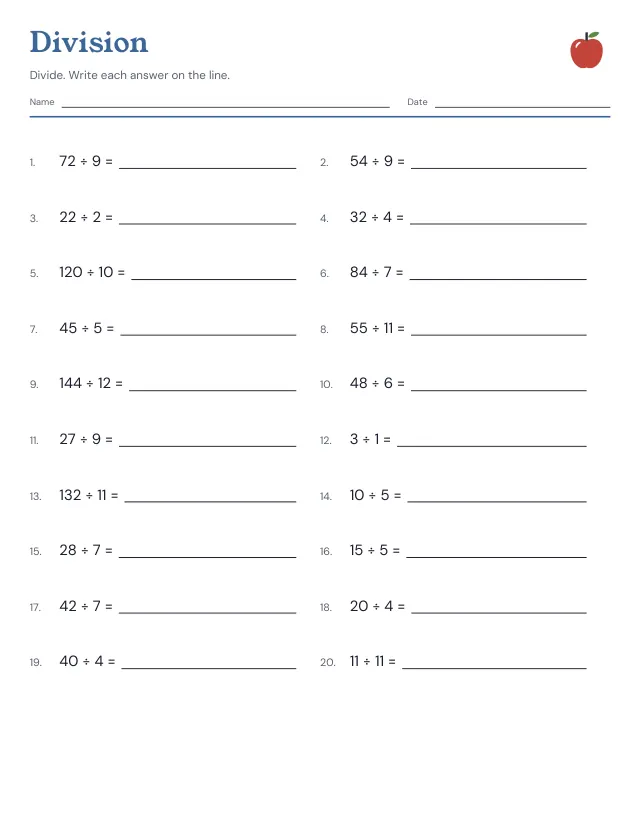
Divide a whole-number product by one of its factors. Every question has a whole-number answer; these sheets do not use remainders.
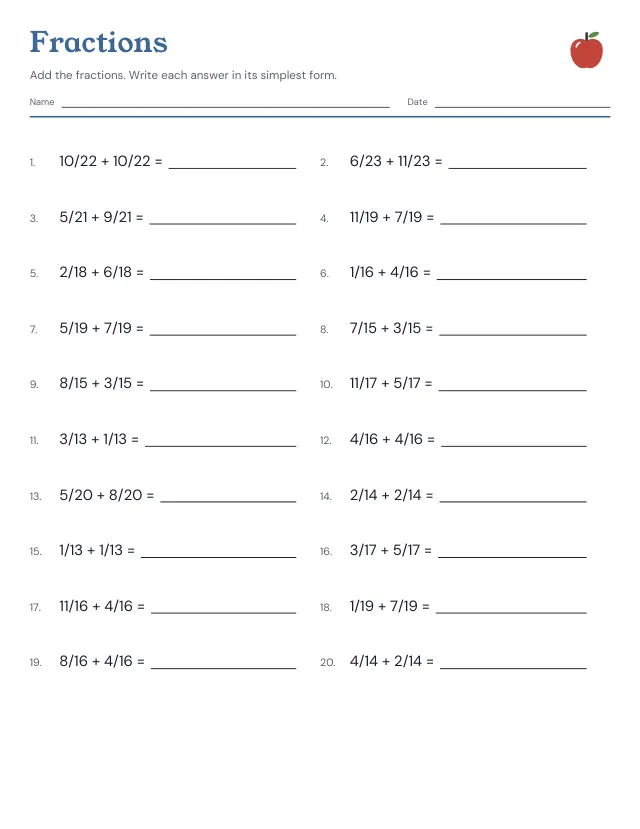
Add two fractions with the same denominator. The answer key reduces each result by its greatest common divisor.
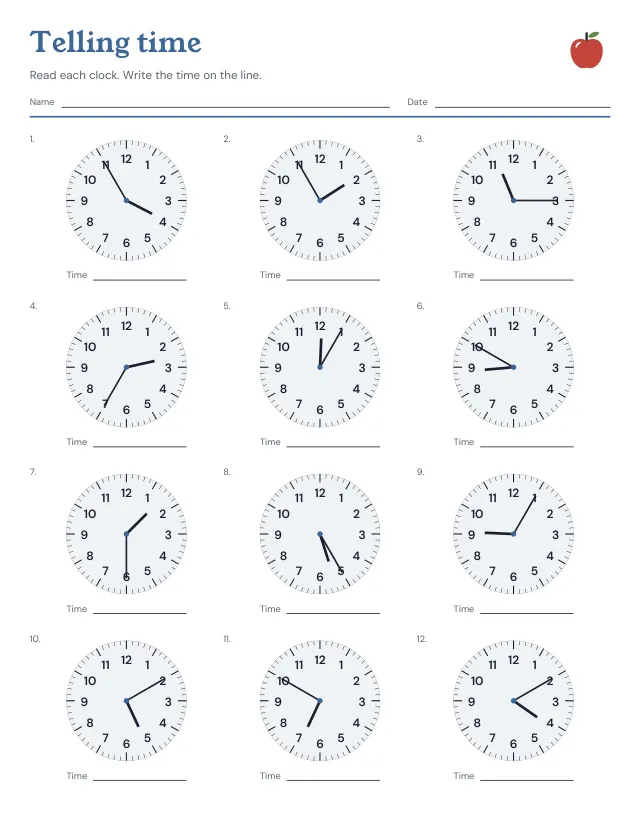
Read an analogue clock and write its time. Questions use five-minute intervals, with the hour and minute in the answer key.
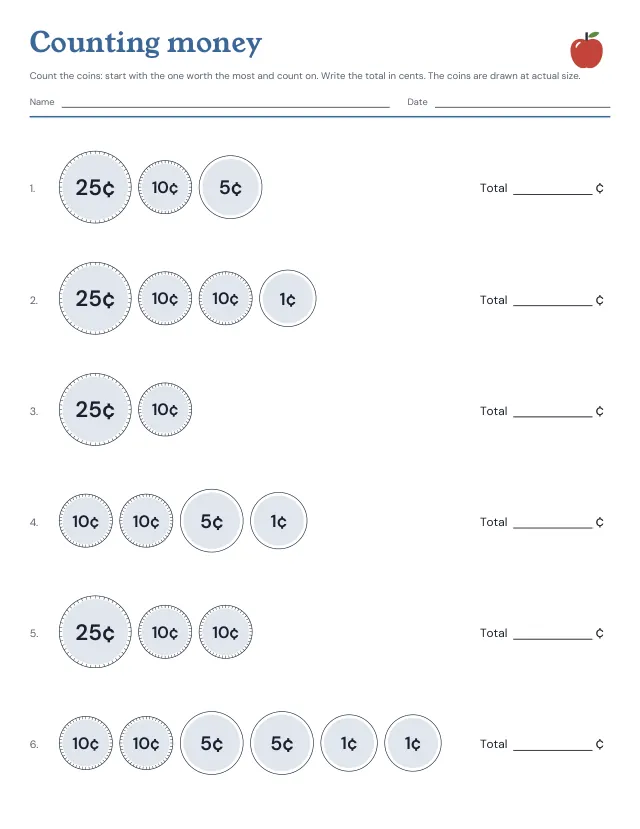
Count the coins and write the total in cents: pennies, nickels, dimes and quarters drawn at their real size, six groups a page, totals under a dollar, with the answers on the key. Leave out the quarters for an easier sheet. New coins each time.
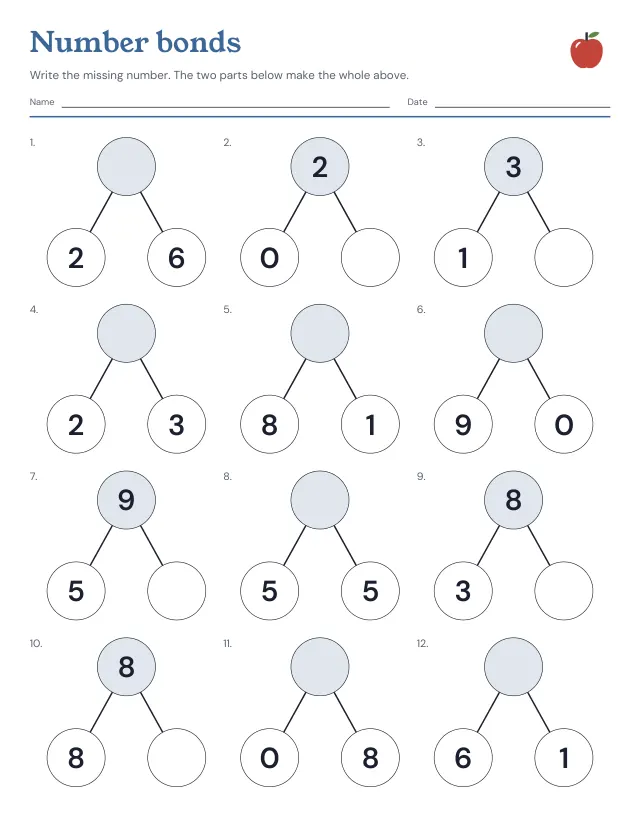
Number bonds to 10: the whole in the top circle, its two parts below, and one of the three left empty to fill in. Choose the largest whole, up to 100, and how many bonds; the answer key is on the last page.
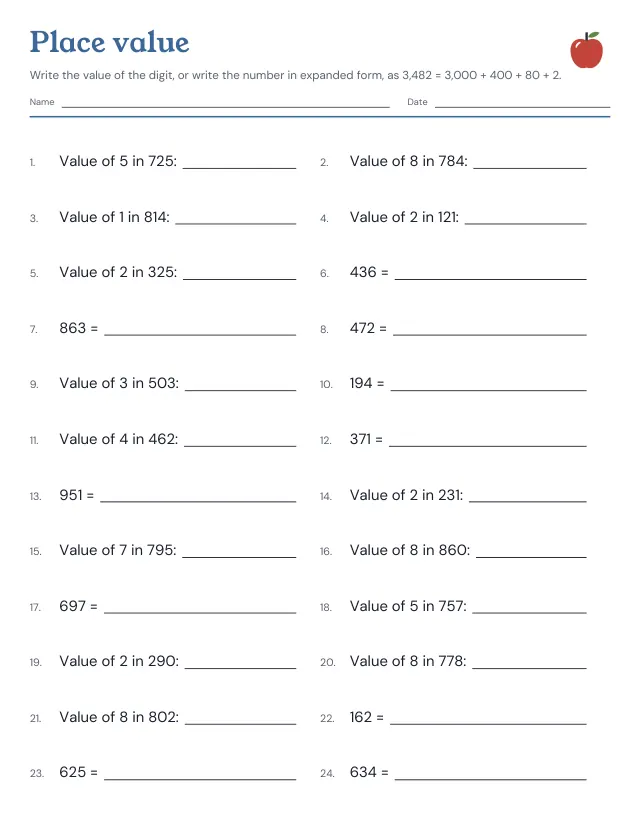
Place value practice with numbers of 2 to 5 digits: half the questions ask what one digit is worth, as the 4 in 3,482 is worth 400, and half ask for the number in expanded form, as 3,000 + 400 + 80 + 2. The answer key is on the last page.
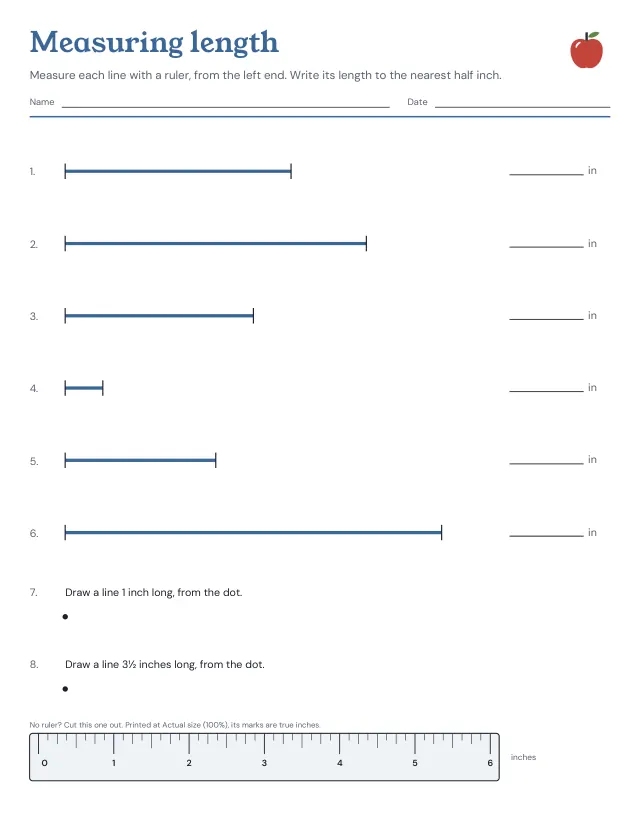
Six lines drawn at their true length, to measure with a ruler from the left end and write down to the nearest half inch, then two lines to draw at a given length, with a ruler to cut out at the foot of the page and the answers on page 2. Choose whole, half, quarter or eighth inches, or whole or half centimetres.
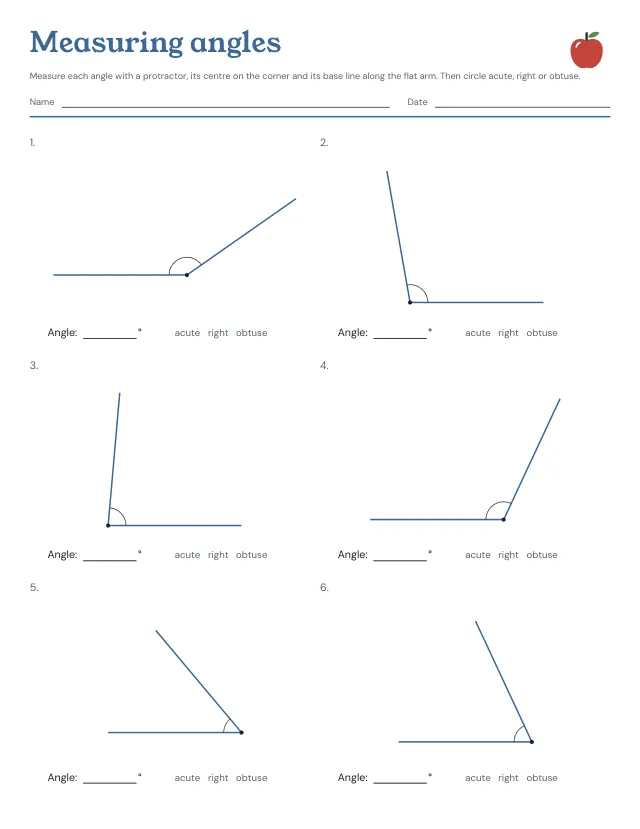
Six angles a page, drawn at their true size from 10 to 170 degrees in steps of 5, to measure with a protractor and circle as acute, right or obtuse, with the answers on the key. One arm lies flat to start, pointing left or right; on the harder sheet both arms turn. New angles each time.
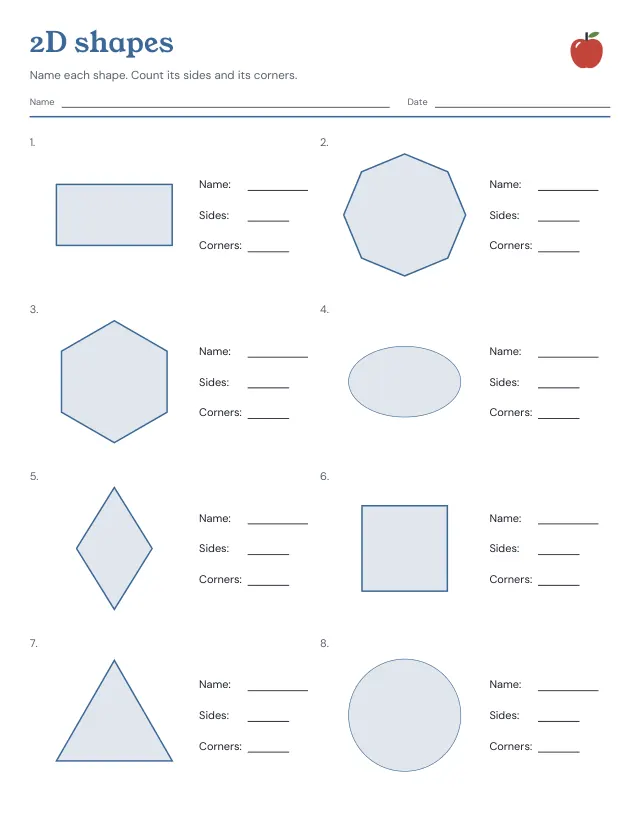
Eight flat shapes a page to name, and to count the sides and corners of: triangle, square, rectangle, rhombus, trapezoid, pentagon, hexagon, octagon, circle and oval, with the answers on the key. On the harder sheet each shape is turned and the triangles and rectangles change shape, so the name rests on the sides. New shapes each time.
No sheets match that. Try a shorter word.
Use the same paper size in the PDF and printer settings. Choose Actual size or 100%. Print a sample before making copies.