World map
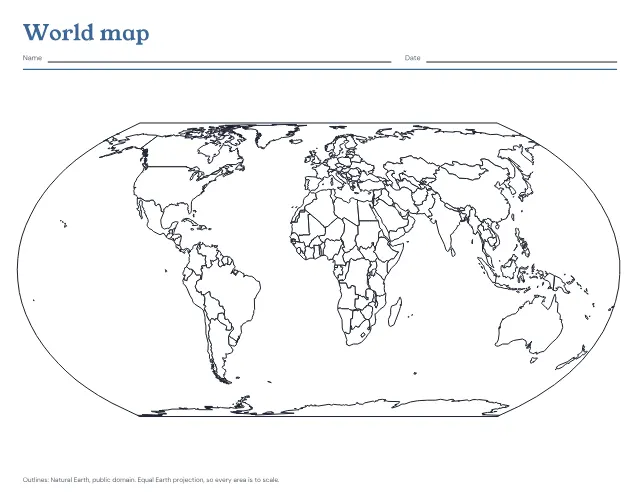
The world’s countries in outline on one landscape page, blank to fill in or with the seven continents and five oceans named. Print a blank map and the named one after it as the answer key.
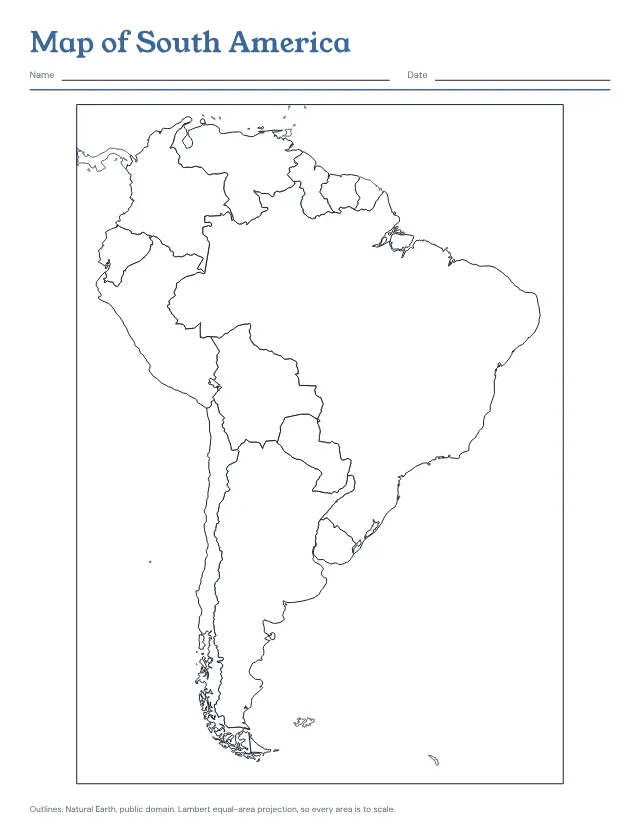
The countries of South America in outline on one page, blank to fill in or with every country named. Print a blank map and the named one after it as the answer key.
US Letter · Portrait
Free, with no account, email or watermark. Print at 100% or Actual size.
Ready-made PDF (Letter) · Free to print and share copies · Check your print size
Blank shows only the borders, for colouring or labelling from memory. Countries named writes each of the twelve countries’ names inside it. Blank, then the answer key prints the blank map and the named one after it, so a child can label the first and check it against the second.
The twelve countries of South America are drawn in a dark line and named. French Guiana, which is part of France, and the Falkland Islands, a British overseas territory, are drawn but not named, as are Panama and the Caribbean islands at the top of the page. The map is in an equal-area projection centred on the continent, so Brazil, which covers almost half of it, is drawn at its true size beside its neighbours.
The world’s countries in outline on one landscape page, blank to fill in or with the seven continents and five oceans named. Print a blank map and the named one after it as the answer key.
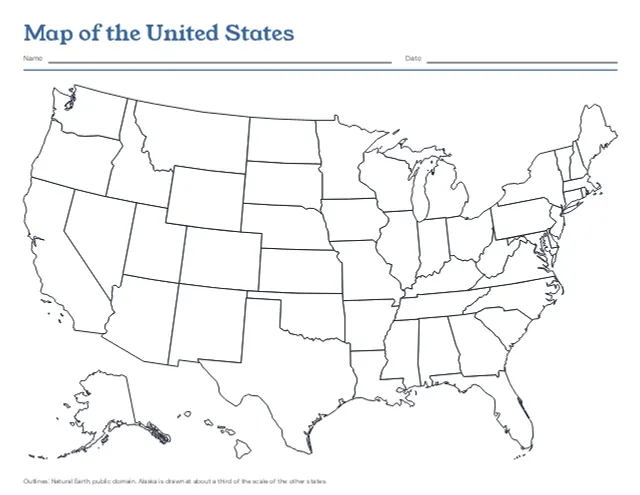
The 50 states in outline on one landscape page, with Alaska and Hawaii set in at the lower left, blank or with every state named. Print a blank map and the named one after it as the answer key.
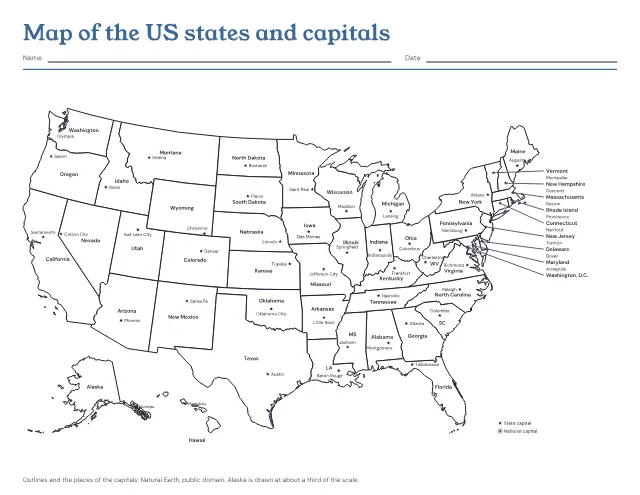
The 50 states in outline with a star at each capital, and each state and capital named. Print it named, with the capitals left to write in, or with only the stars; the named map comes after the one to fill in as its answer key.
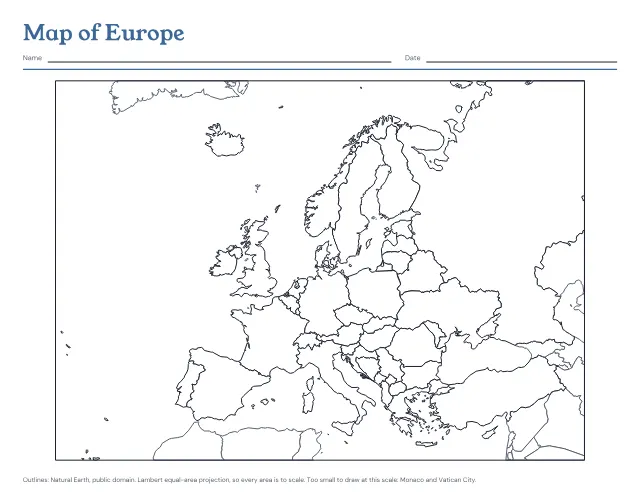
The countries of Europe in outline on one landscape page, blank to fill in or with every country named. Print a blank map and the named one after it as the answer key.
No sheets match that. Try a shorter word.
Use the same paper size in the PDF and printer settings. Choose Actual size or 100%. Print a sample before making copies.