Map of Texas
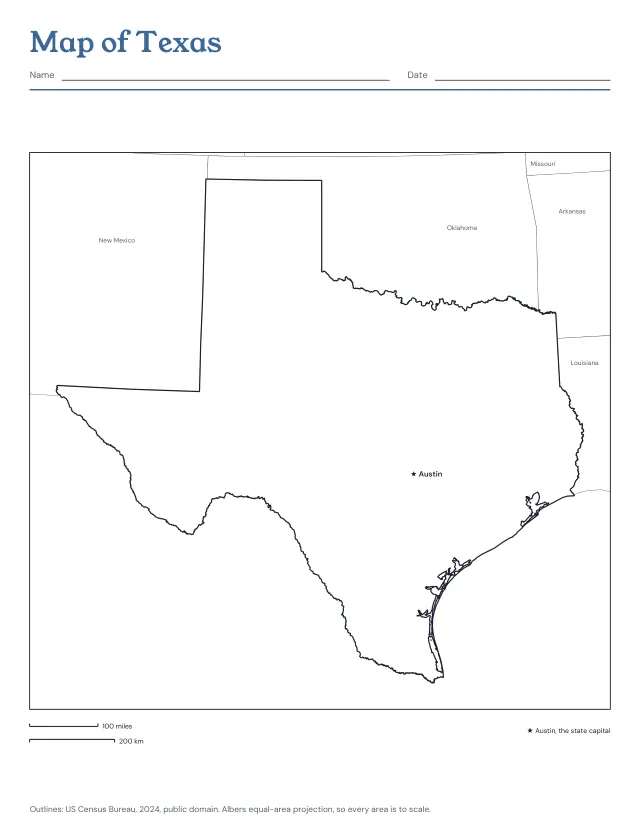
Texas from the Census Bureau’s boundaries, with Austin, the state capital, and the states around it; or the outline alone, or its 254 counties, blank or named. Print the blank map and the named one after it as the answer key.
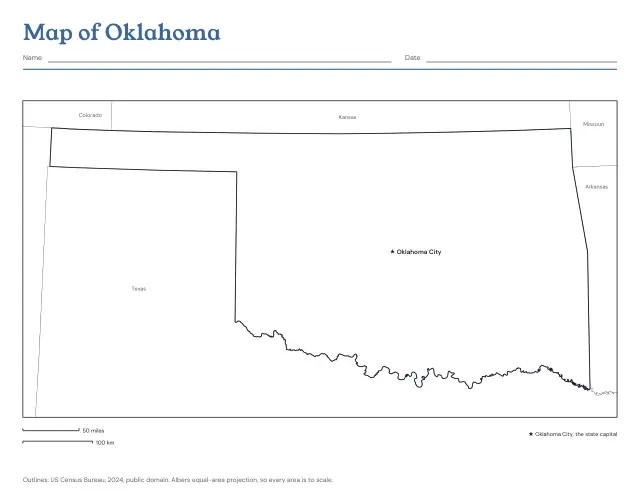
Oklahoma from the Census Bureau’s boundaries, with Oklahoma City, the state capital, and the states around it; or the outline alone, or its 77 counties, blank or named. Print the blank map and the named one after it as the answer key.
US Letter · Landscape
Free, with no account, email or watermark. Print at 100% or Actual size.
Ready-made PDF (Letter) · Free to print and share copies · Check your print size
Oklahoma, its capital and the states around it draws the state with a star at Oklahoma City, its capital, and names the neighbouring states in grey. Outline only prints the shape alone, for colouring or a project. Counties, blank draws its 77 counties with nothing named, to colour or label from memory. Counties named writes each name inside it; where one is too small for its name it carries a number, and the numbers are listed beside the map or on a page after it. Counties to name, then the answer key prints the blank map and the named one after it.
Oklahoma has 77 counties. By land area, the largest is Osage County, 2,247 square miles (5,819 km²), and the smallest is Marshall County, 371 square miles (962 km²).
The two bars under the map show a round number of miles and of kilometres at the size the map prints on your paper. Print at actual size (100%), then mark a bar’s length on the edge of a sheet of paper and step it along the map to measure how far apart two places are. The map is in an equal-area projection centred on the state, so every county’s area is to scale and distances are close to true across the whole state.
Texas from the Census Bureau’s boundaries, with Austin, the state capital, and the states around it; or the outline alone, or its 254 counties, blank or named. Print the blank map and the named one after it as the answer key.
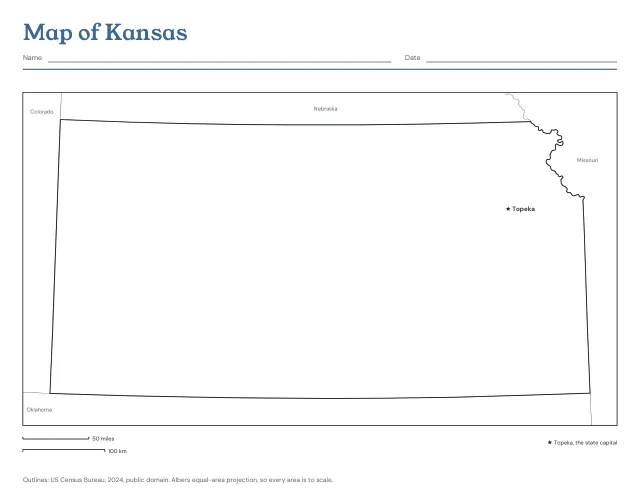
Kansas from the Census Bureau’s boundaries, with Topeka, the state capital, and the states around it; or the outline alone, or its 105 counties, blank or named. Print the blank map and the named one after it as the answer key.
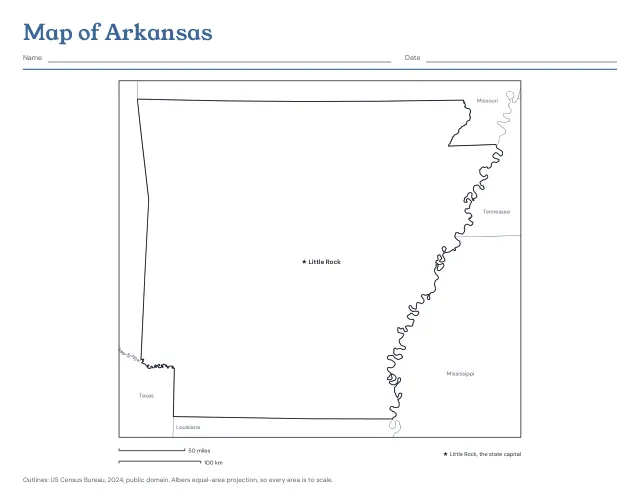
Arkansas from the Census Bureau’s boundaries, with Little Rock, the state capital, and the states around it; or the outline alone, or its 75 counties, blank or named. Print the blank map and the named one after it as the answer key.
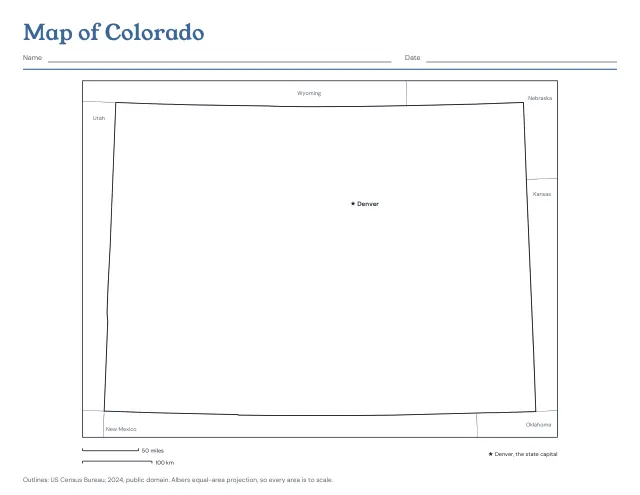
Colorado from the Census Bureau’s boundaries, with Denver, the state capital, and the states around it; or the outline alone, or its 64 counties, blank or named. Print the blank map and the named one after it as the answer key.
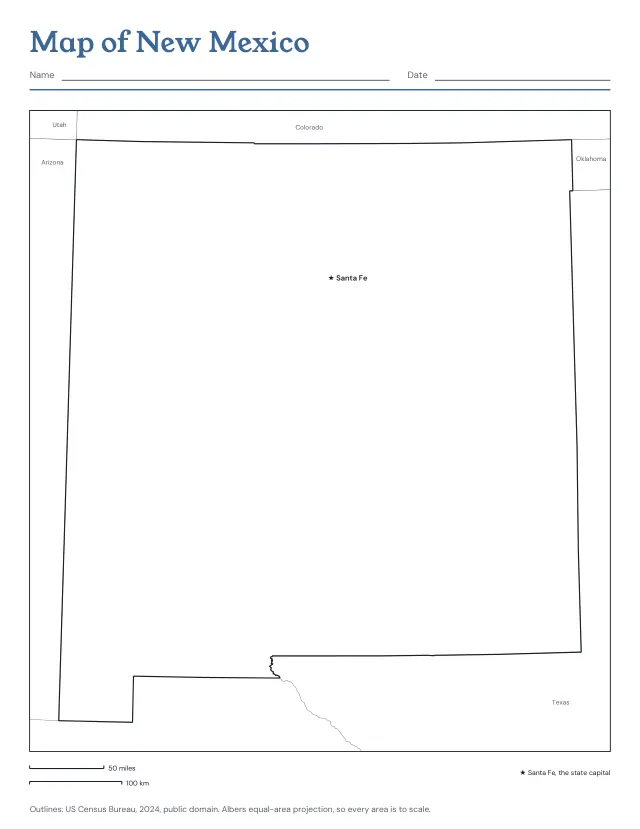
New Mexico from the Census Bureau’s boundaries, with Santa Fe, the state capital, and the states around it; or the outline alone, or its 33 counties, blank or named. Print the blank map and the named one after it as the answer key.
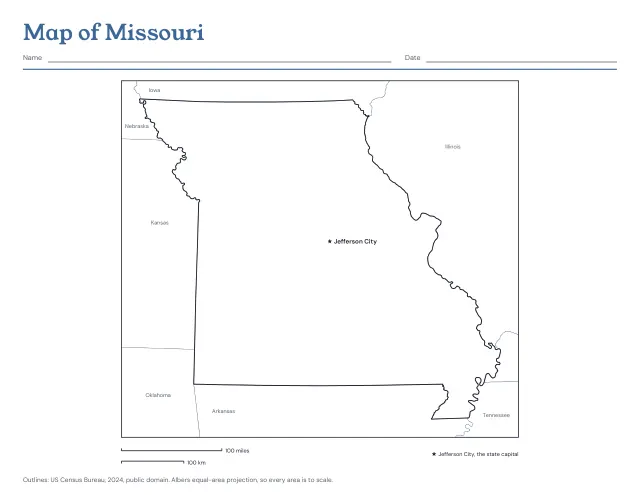
Missouri from the Census Bureau’s boundaries, with Jefferson City, the state capital, and the states around it; or the outline alone, or its 114 counties, blank or named. Print the blank map and the named one after it as the answer key.
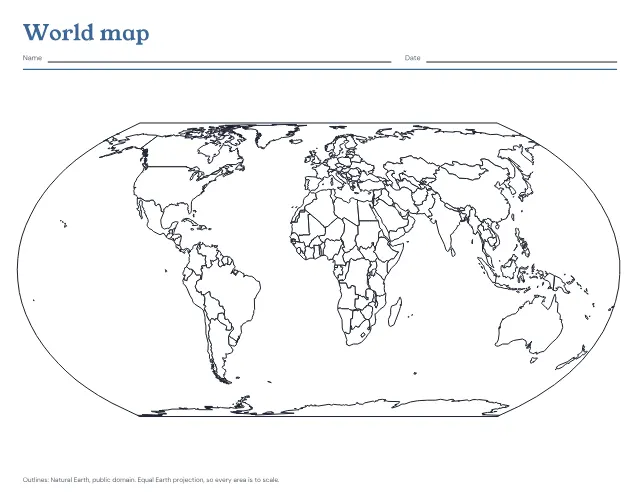
The world’s countries in outline on one landscape page, blank to fill in or with the seven continents and five oceans named. Print a blank map and the named one after it as the answer key.
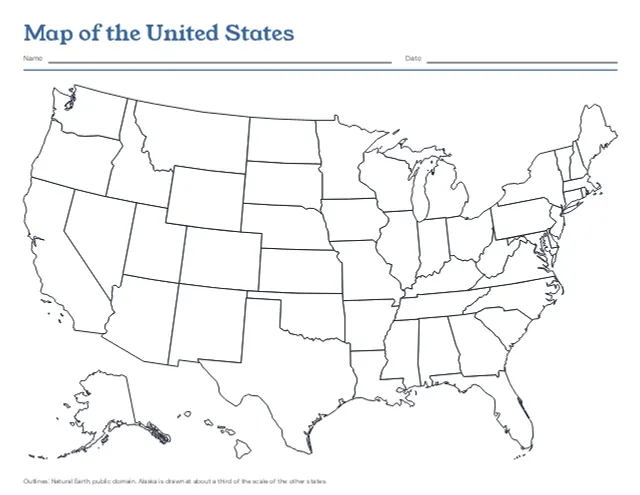
The 50 states in outline on one landscape page, with Alaska and Hawaii set in at the lower left, blank or with every state named. Print a blank map and the named one after it as the answer key.
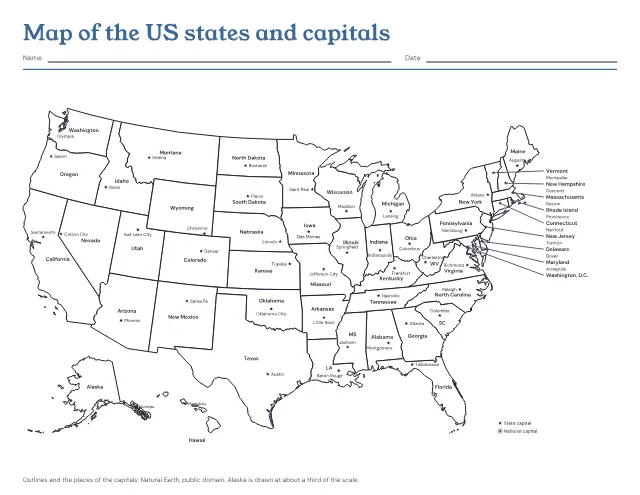
The 50 states in outline with a star at each capital, and each state and capital named. Print it named, with the capitals left to write in, or with only the stars; the named map comes after the one to fill in as its answer key.
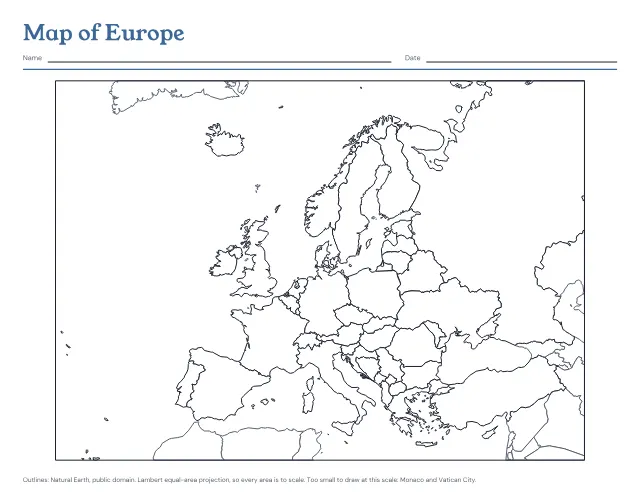
The countries of Europe in outline on one landscape page, blank to fill in or with every country named. Print a blank map and the named one after it as the answer key.
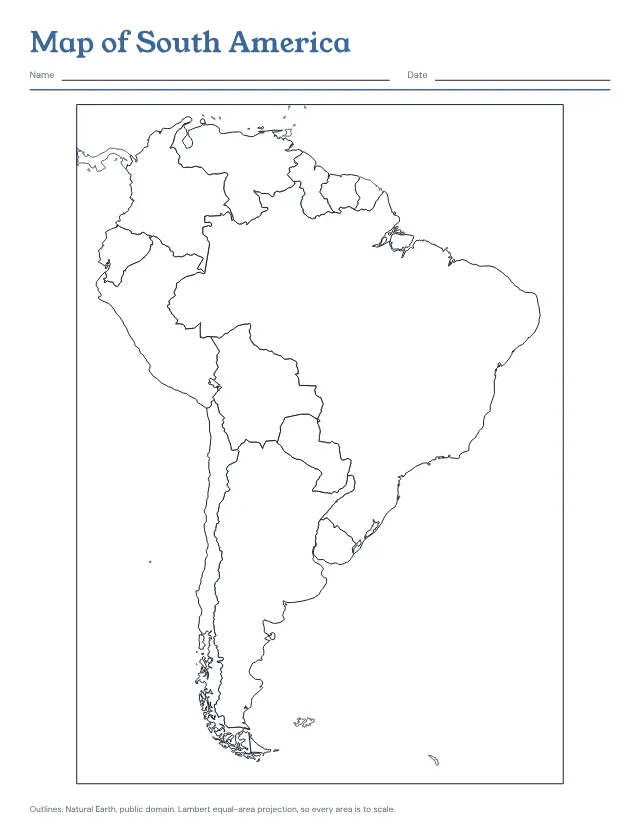
The countries of South America in outline on one page, blank to fill in or with every country named. Print a blank map and the named one after it as the answer key.
No sheets match that. Try a shorter word.
Use the same paper size in the PDF and printer settings. Choose Actual size or 100%. Print a sample before making copies.